

Learn how to add a client that is to be billed for a campaign in Ad Manager Connect with these straightforward steps.
1. Introduction
In Ad Manager Connect, the client is the party that will be invoiced for the campaign. This includes campaigns where the advertiser is to be billed directly.
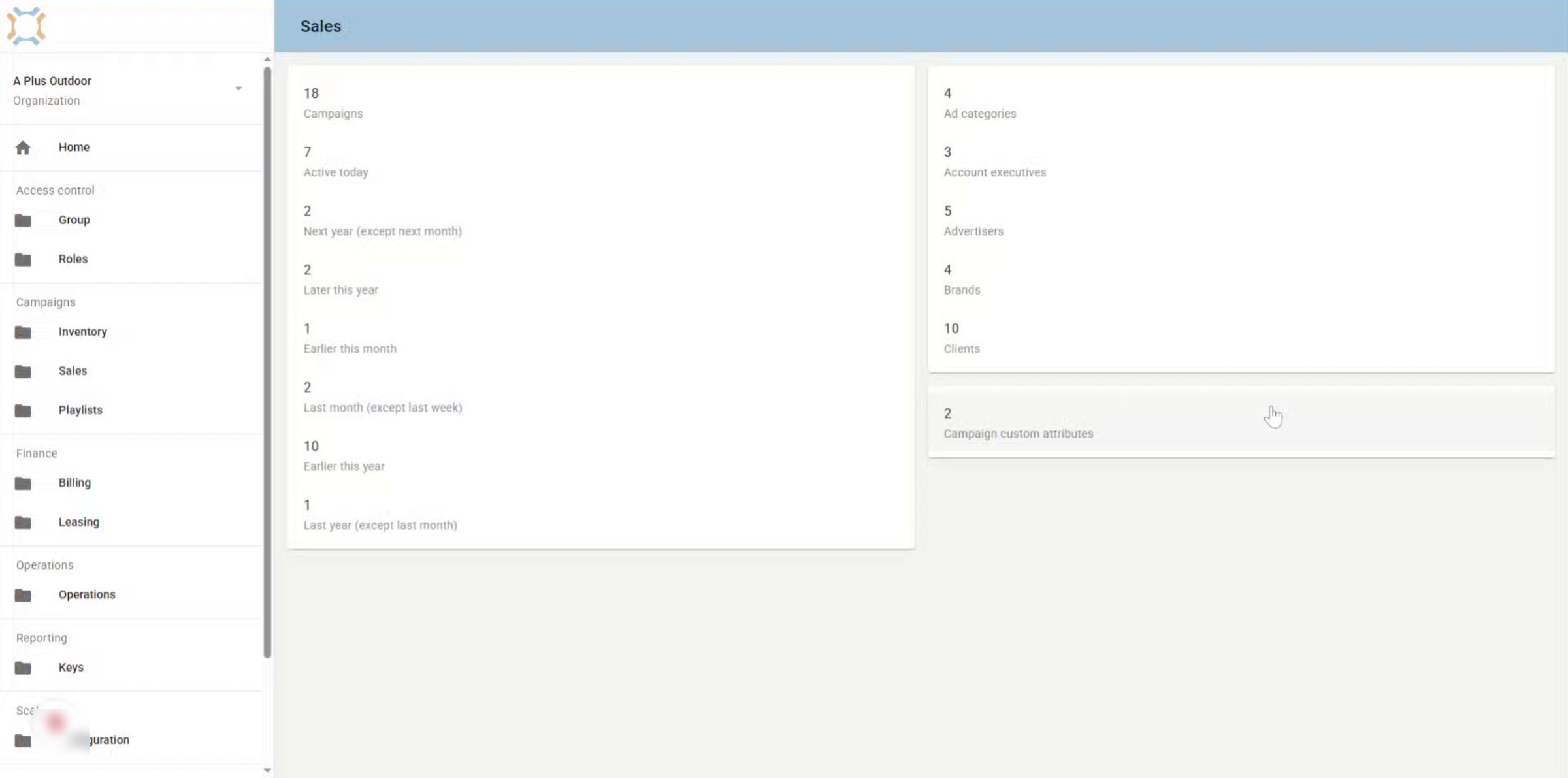
2. Click "Clients"
To add a new client, you can either do this when adding a campaign, or you can set them up separately by clicking on clients for the Sales page.
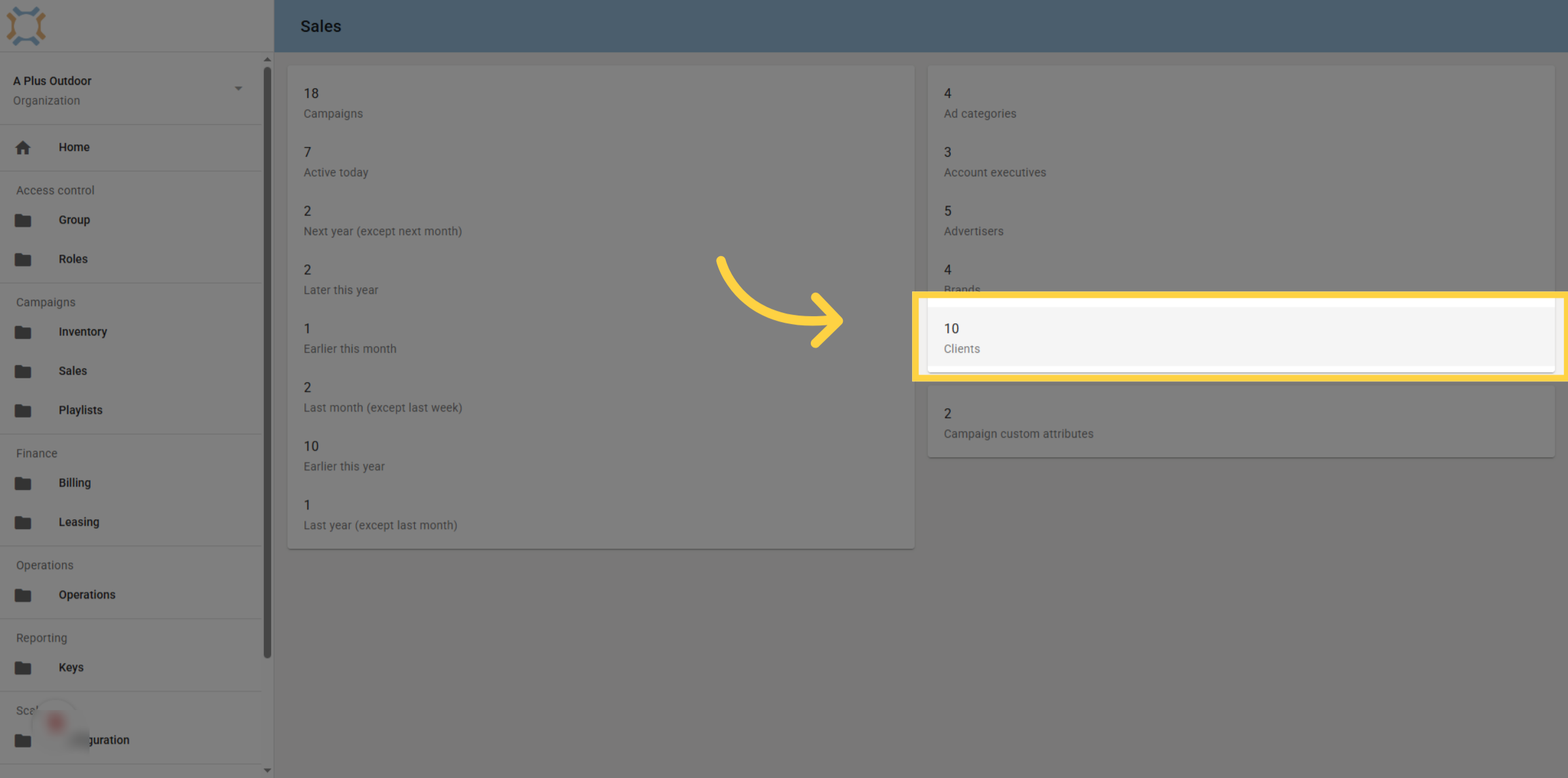
3. Click "add"
To Add a new client, click the Add button
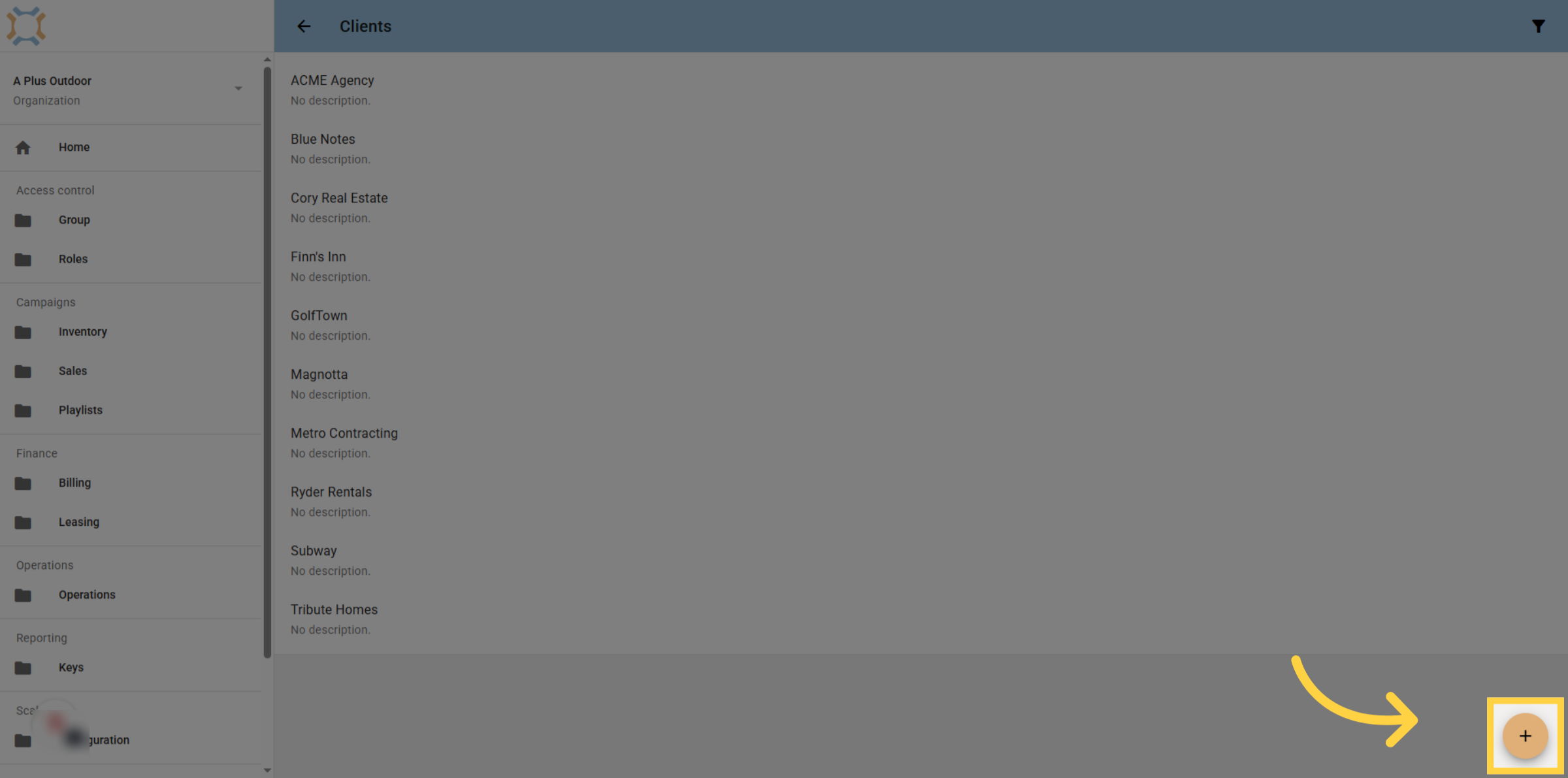
4. Enter client name
Enter the name of the client to be billed. You can also optionally enter a description for the client.
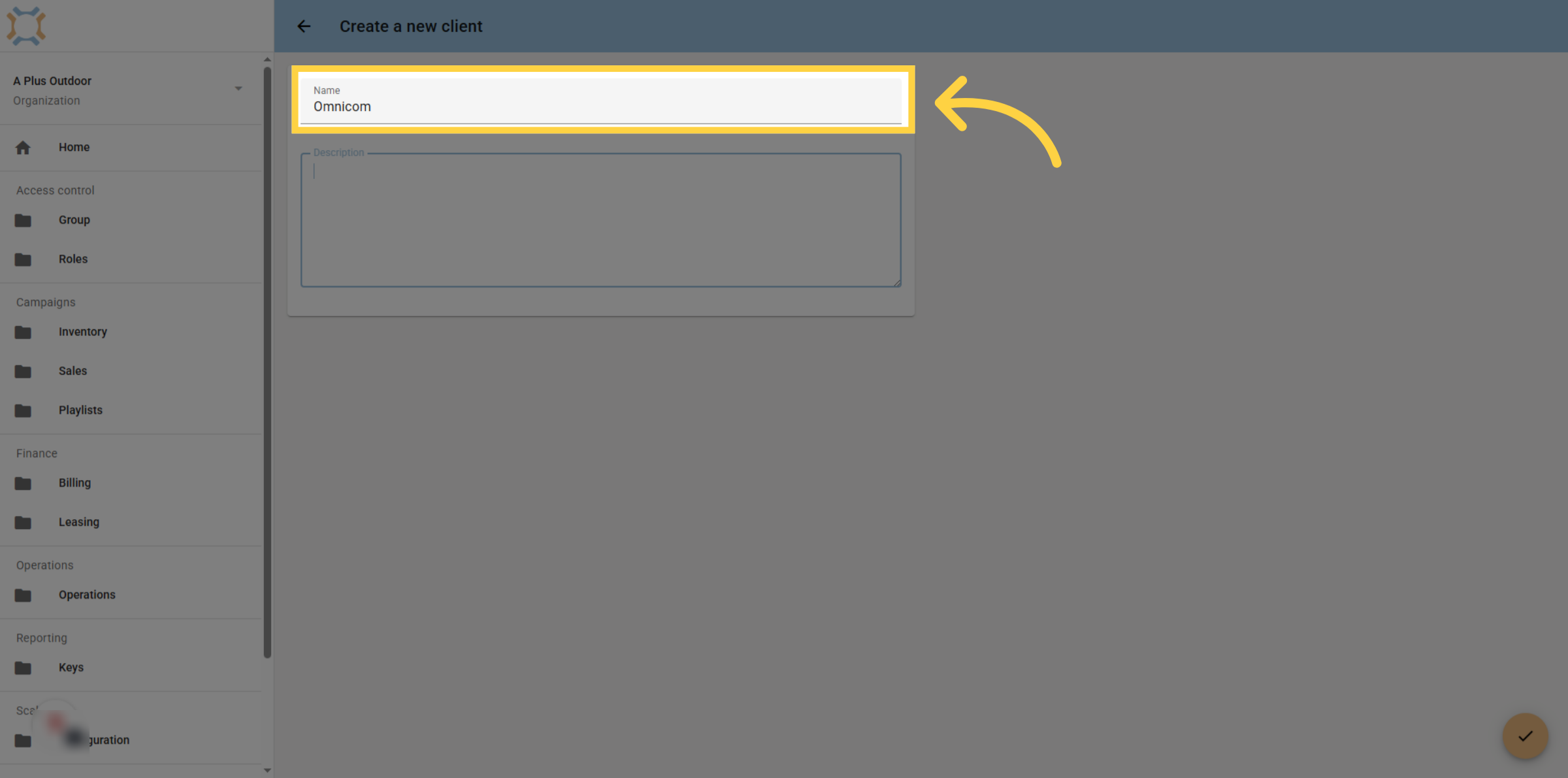
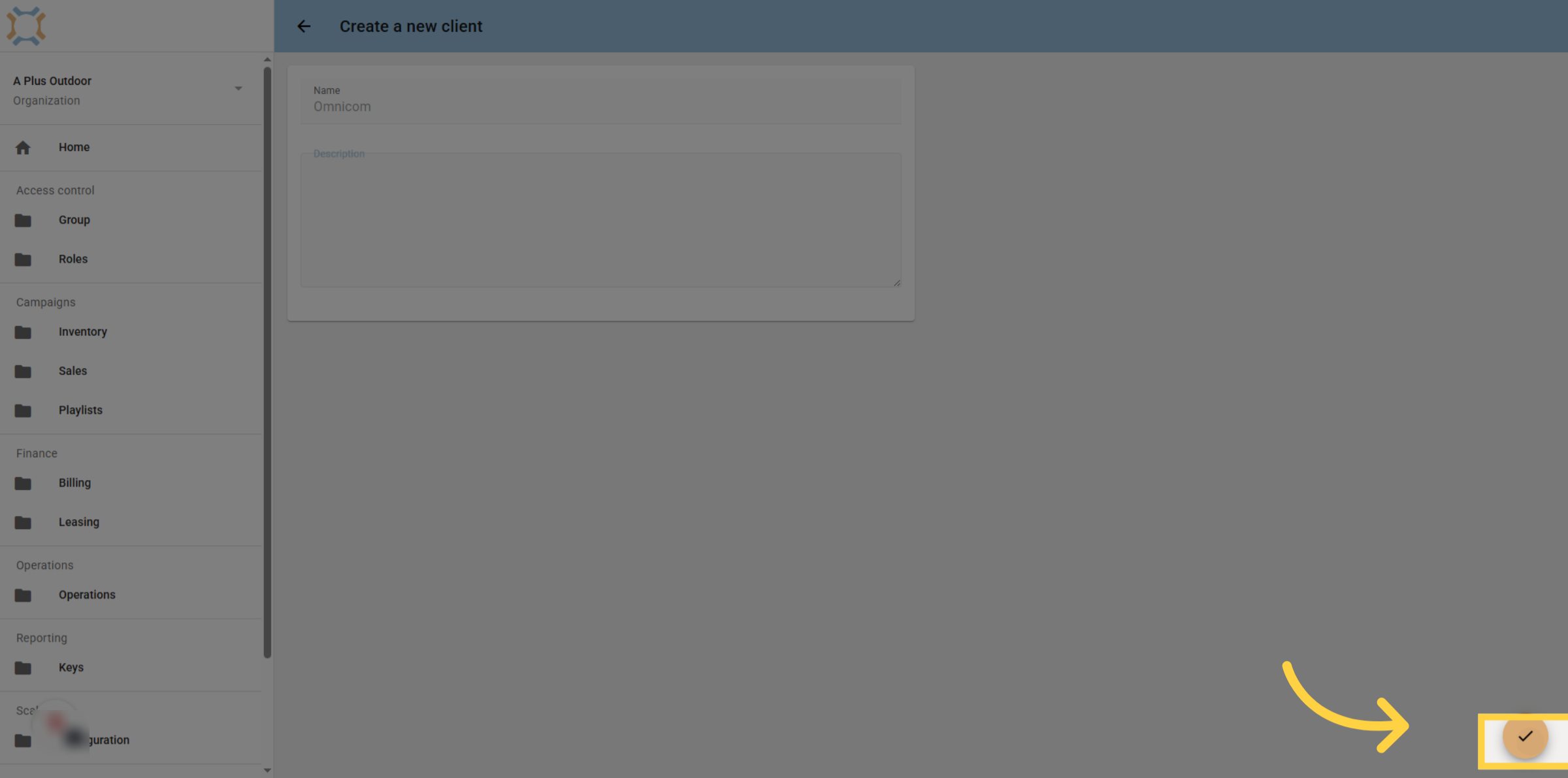
5. Click "done"
Click "done" to save the new client information. If you wish to add the client billing account information and client billing contact, you can do this from the billing module.
If you have any additional questions, please contact Dot2Dot for assistance.
Comments
0 comments
Please sign in to leave a comment.