
Learn how to share P.O.P. with clients and others that do not have access to Ad Manager Connect.
1. Introduction
Ad Manager Connect allows you to share your P.O.P information with clients and other people who are outside your organization. these sharing privileges can be revoked at any time.
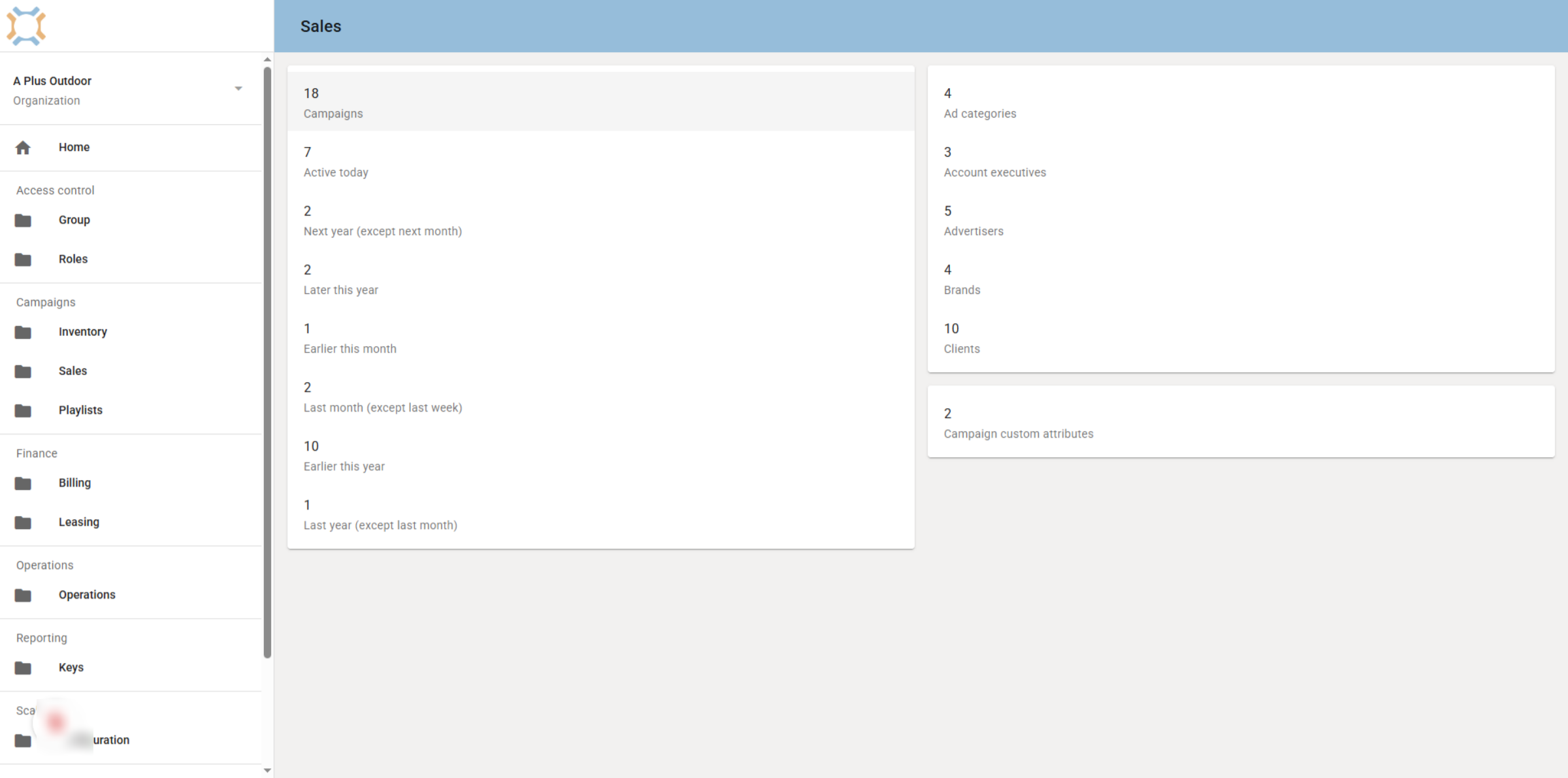
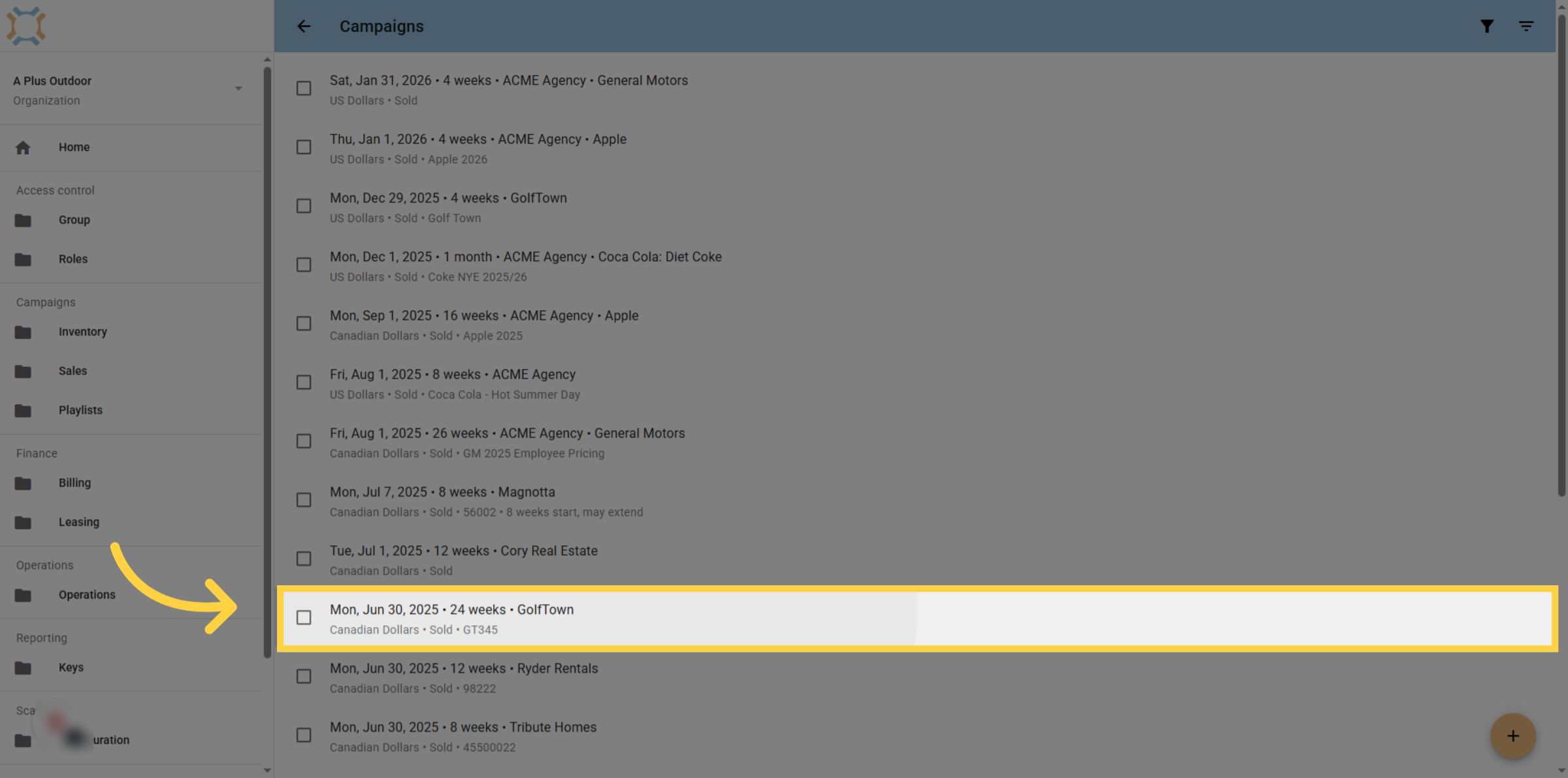
2. Select Campaign
Select the campaign you wish to share with others outside your organization
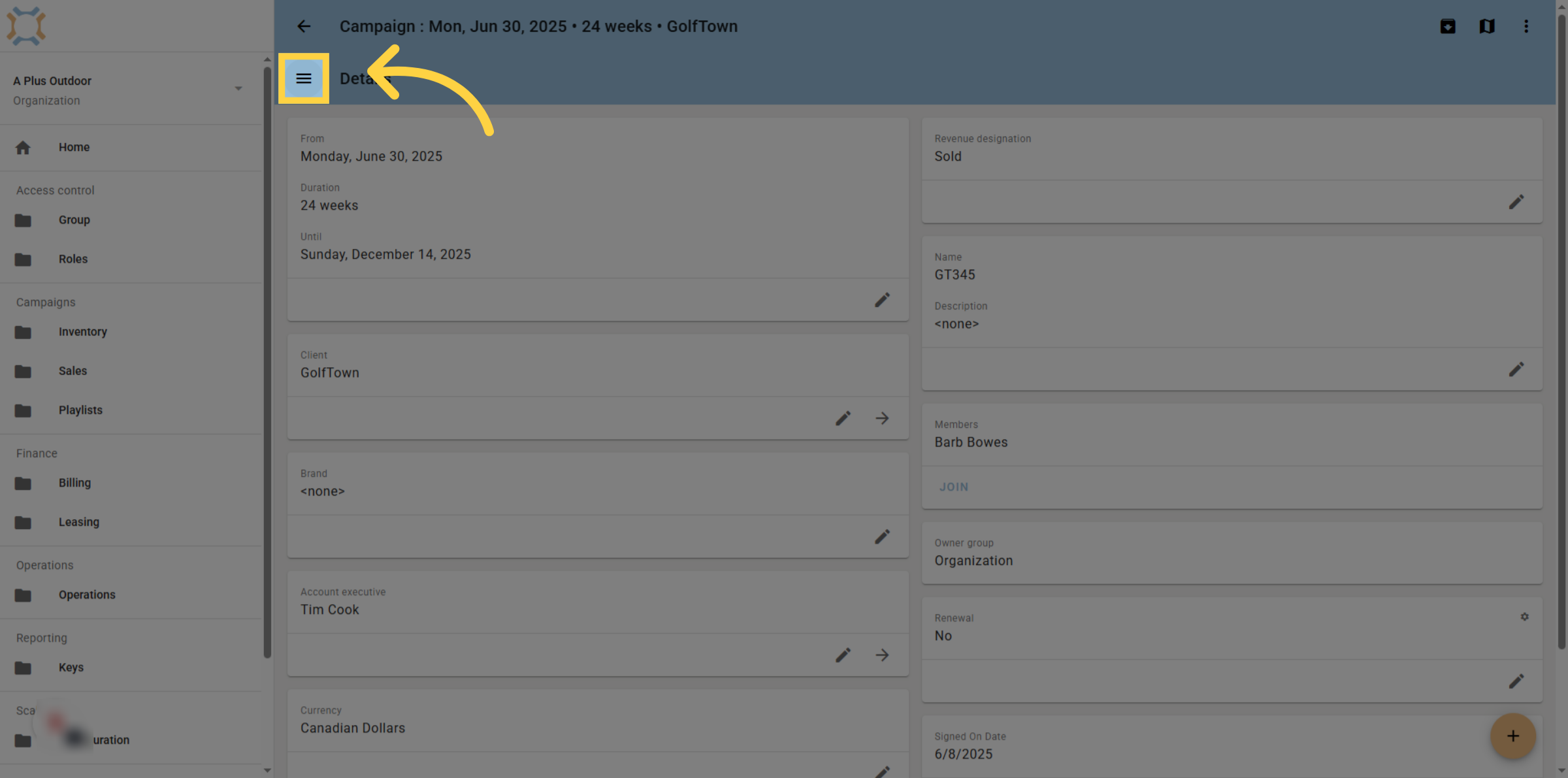
3. Click "menu"
Click the "menu" button
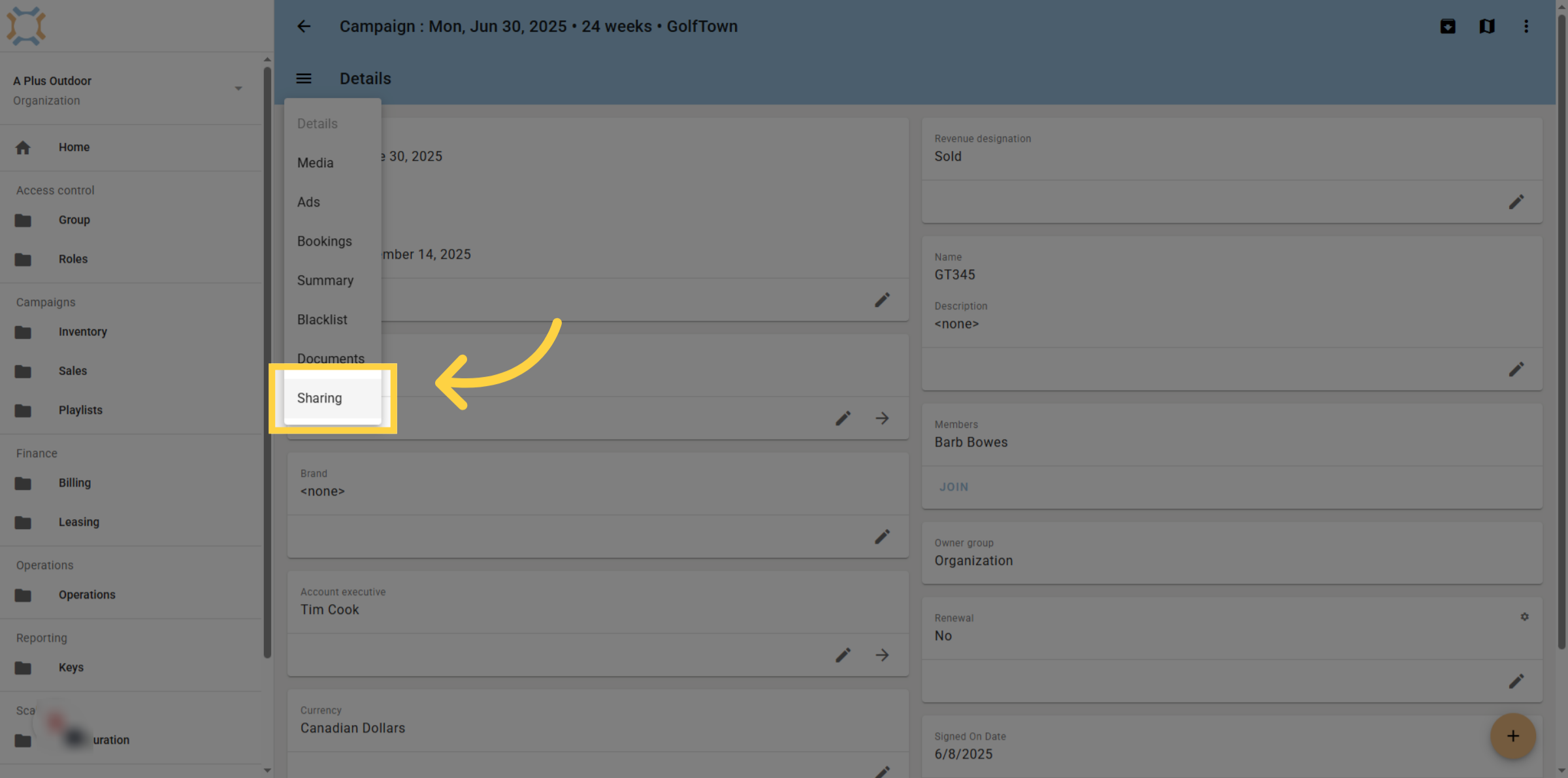
4. Click "Sharing"
Click "Sharing" to access the sharing options.
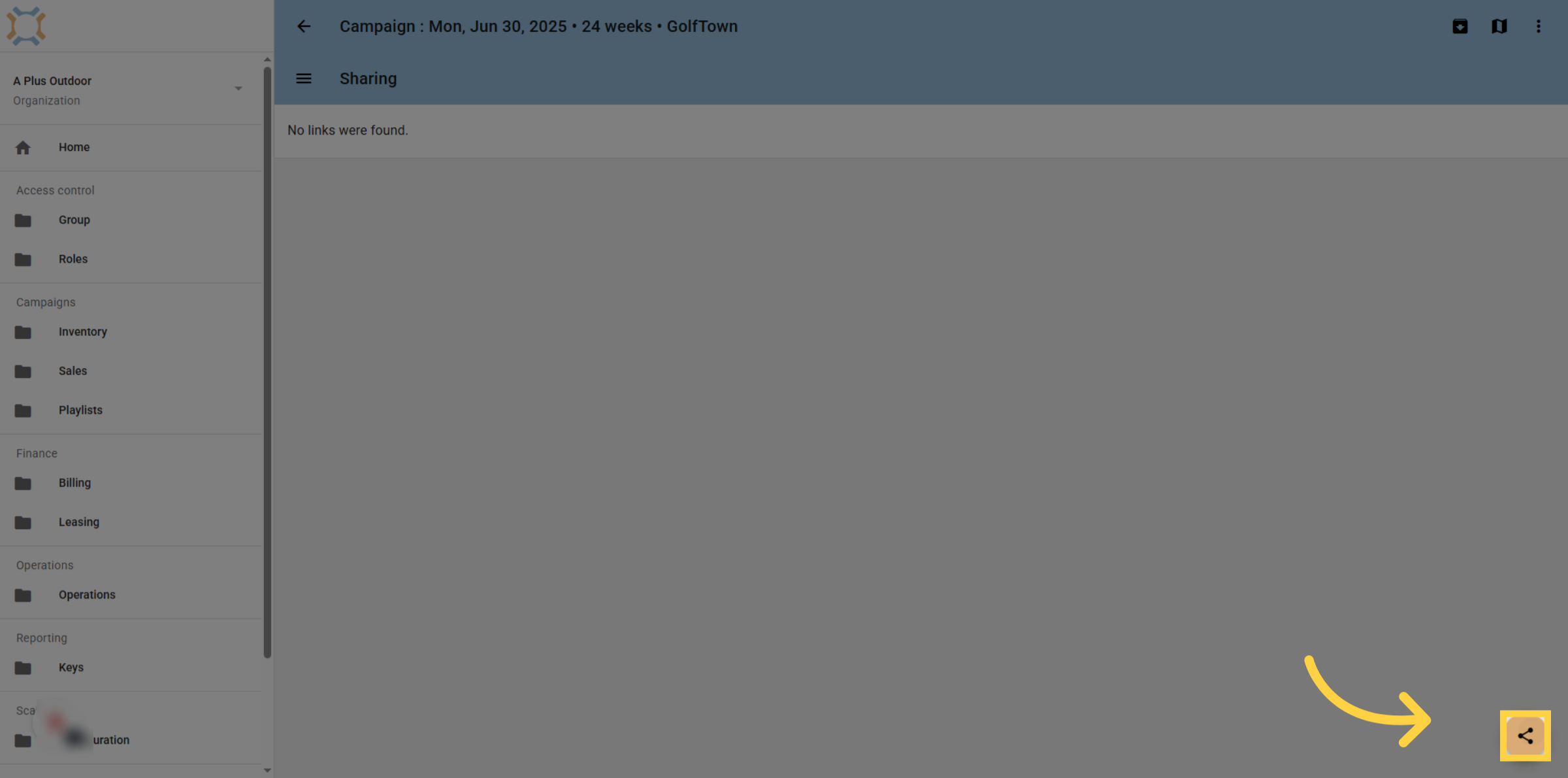
5. Click "share"
If you wish to share a link to the P.O.P. data for this campaign, click the Share button.
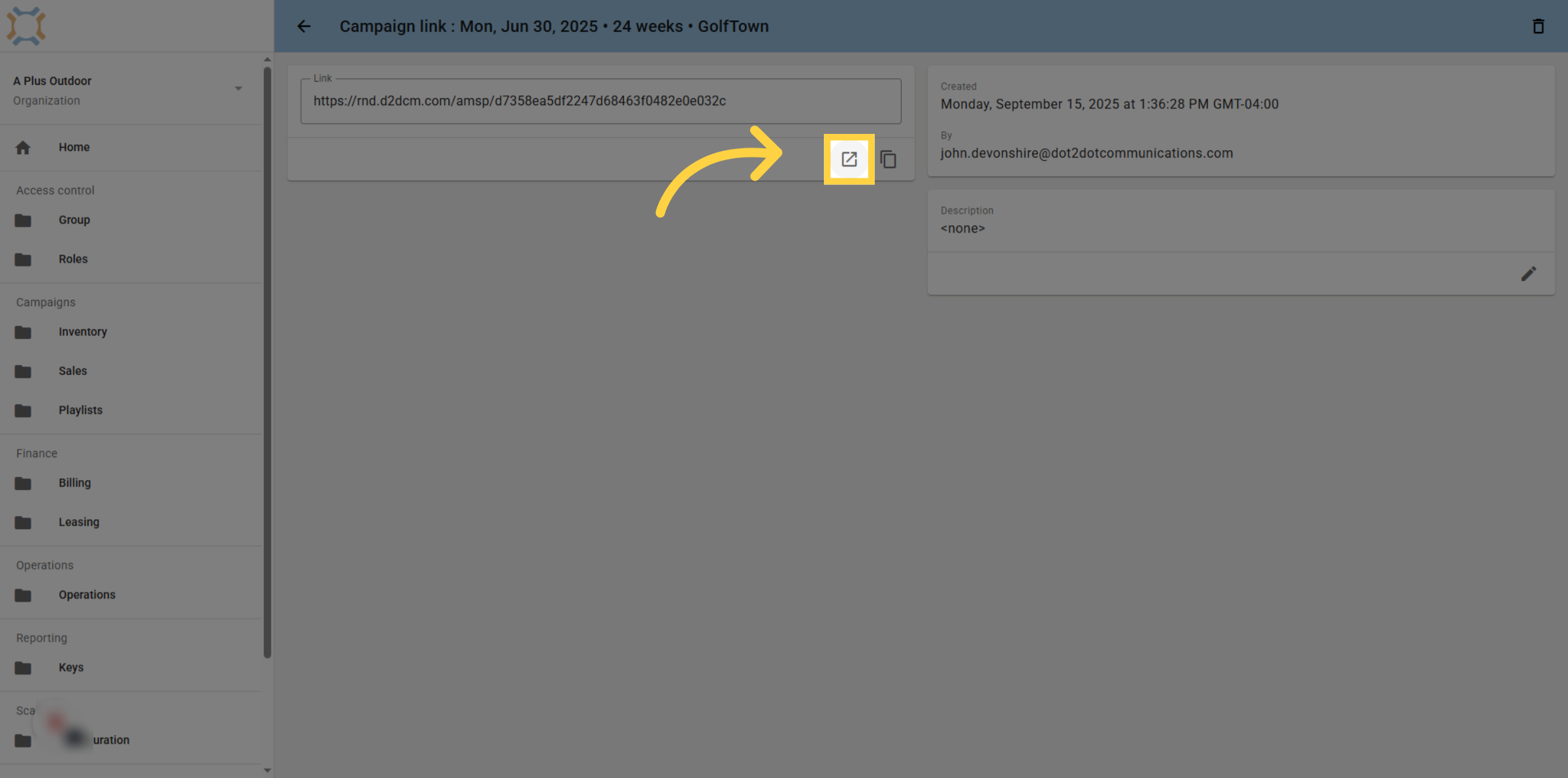
6. Click "open in new window"
To test the link, you can click the Open in New Window button. This will show you exactly what is being shared with the recipient of the link.
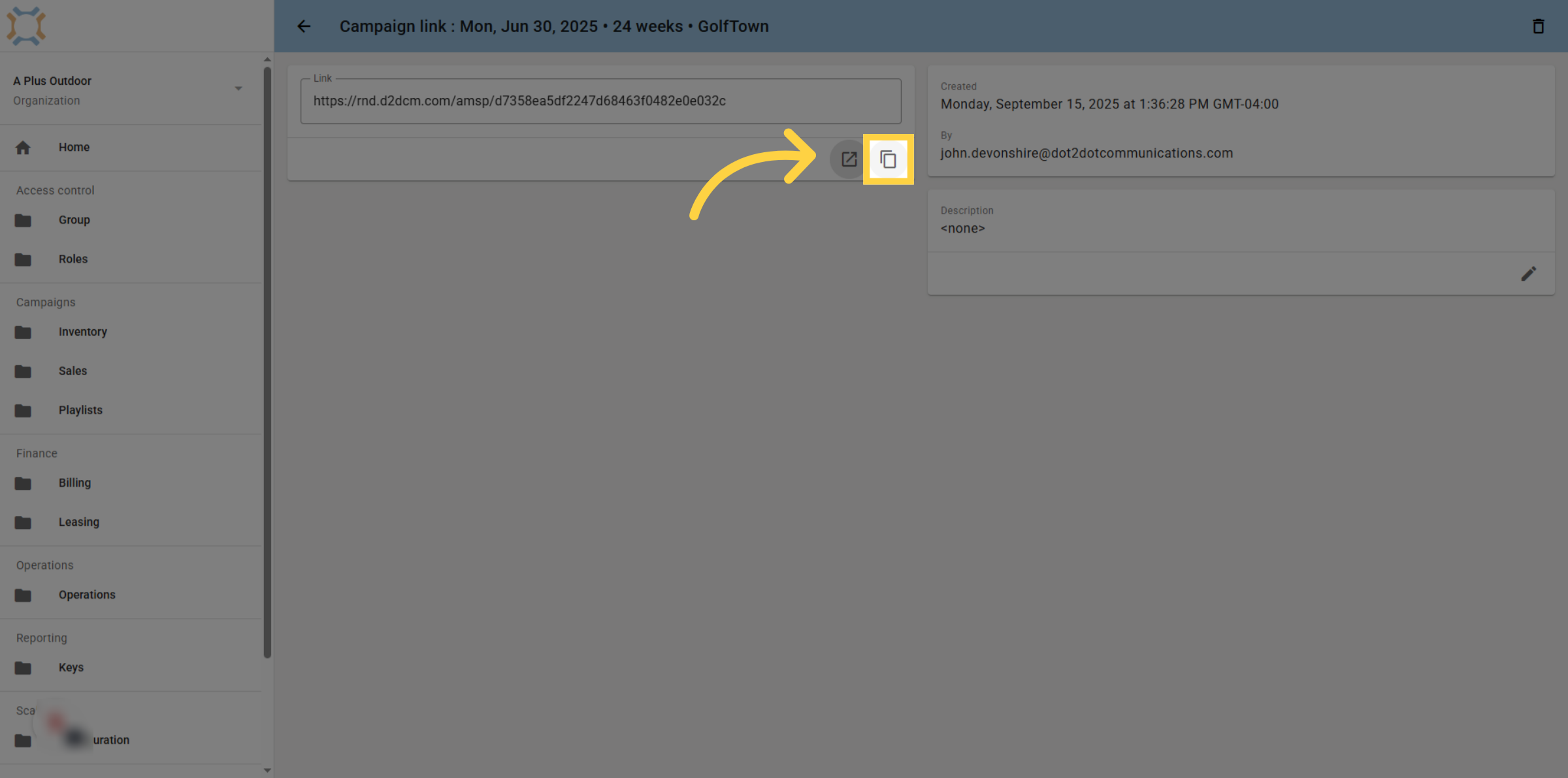
7. Click "copy"
Click copy to copy the sharing link to your clipboard, so you can easily paste it into an email to send to the desired recipient. You can share the same link with multiple people or create multiple shares for the same campaign and share with smaller groups. This allows you to remove the link for some people, but still keep it active for others.
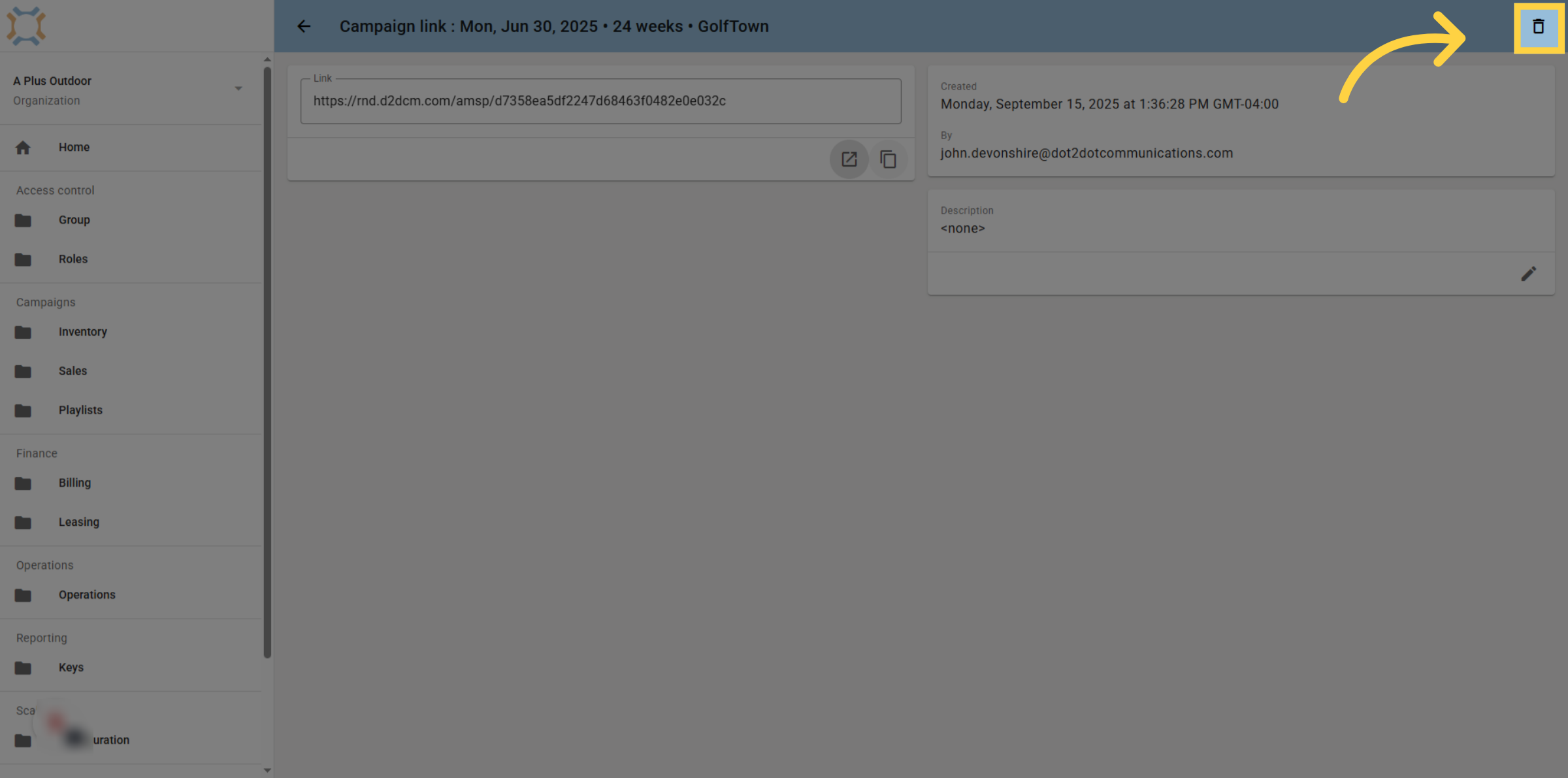
8. Click "delete"
If you wish to remove a link, click the delete button. This will immediately revoke access for anybody with that link.
If you have any additional questions, please contact Dot2Dot for assistance.
Comments
0 comments
Please sign in to leave a comment.