
1. Introduction
Ad Manager Connect enables you to create design types. The system then calculates the precise quantities of each design type based on your campaign bookings.
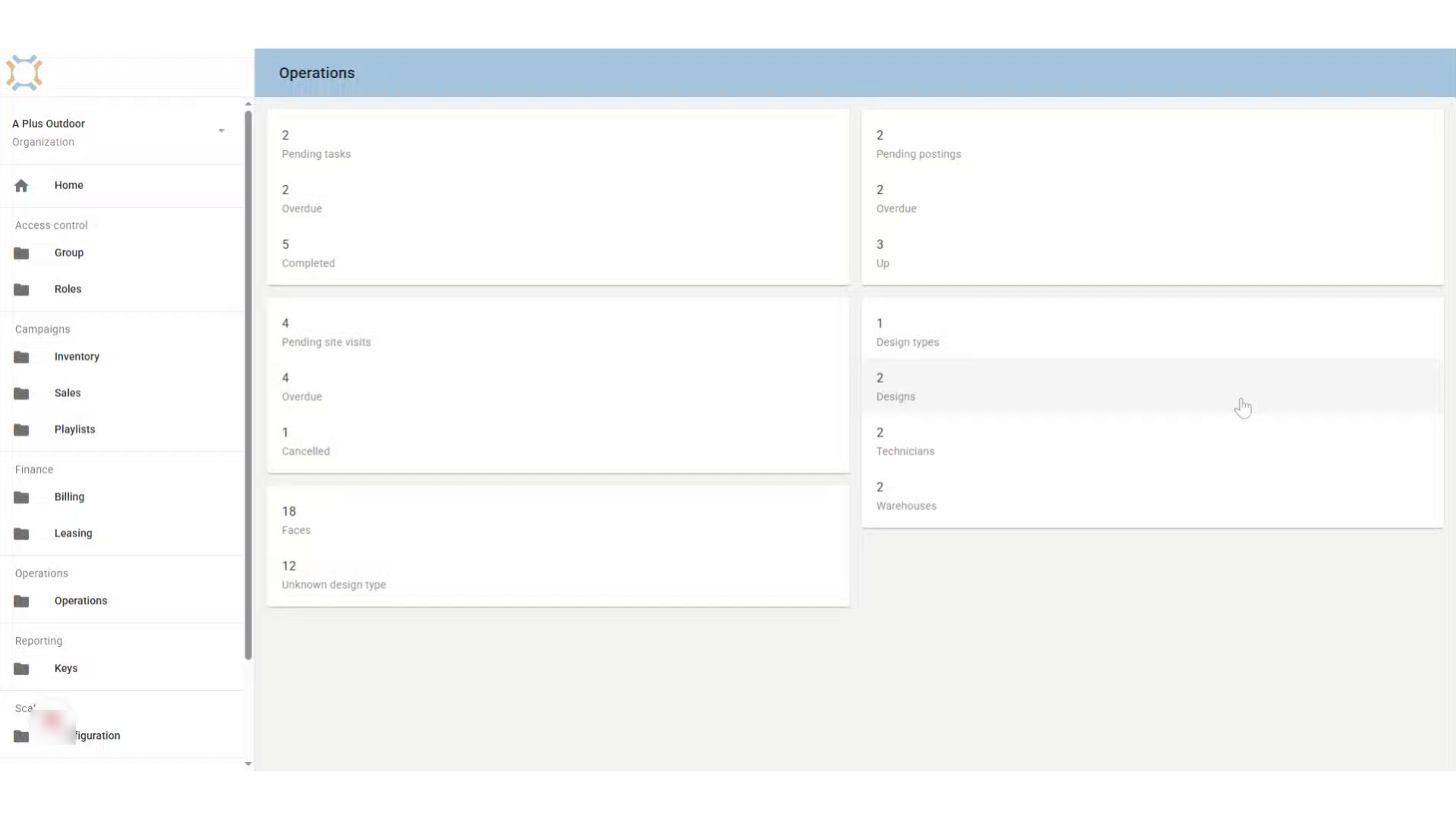
2. Click "Design types"
To add a design type, go to the Operations section and click on Design Types.
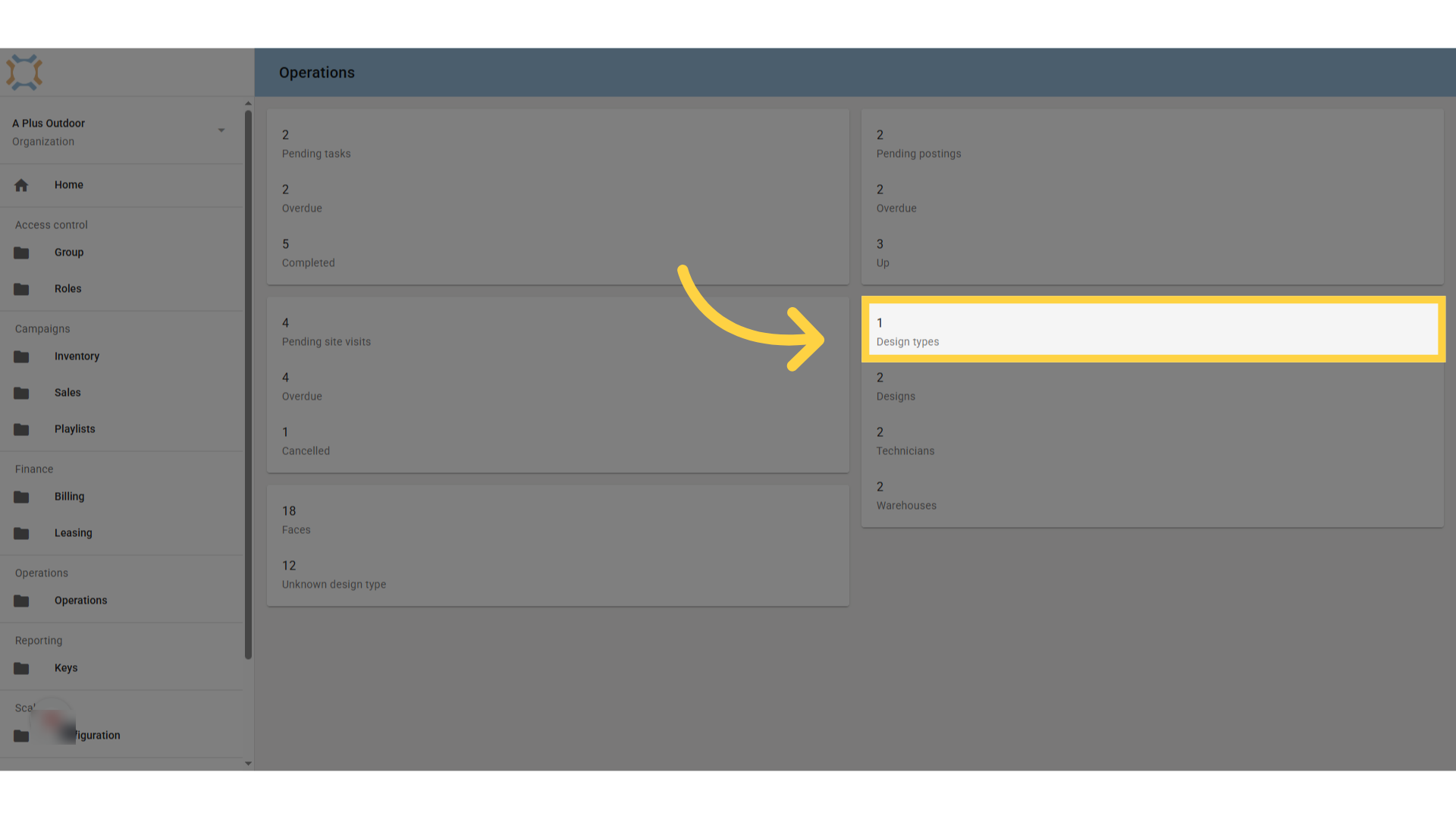
3. Click "add"
Click Add to create a new design type.
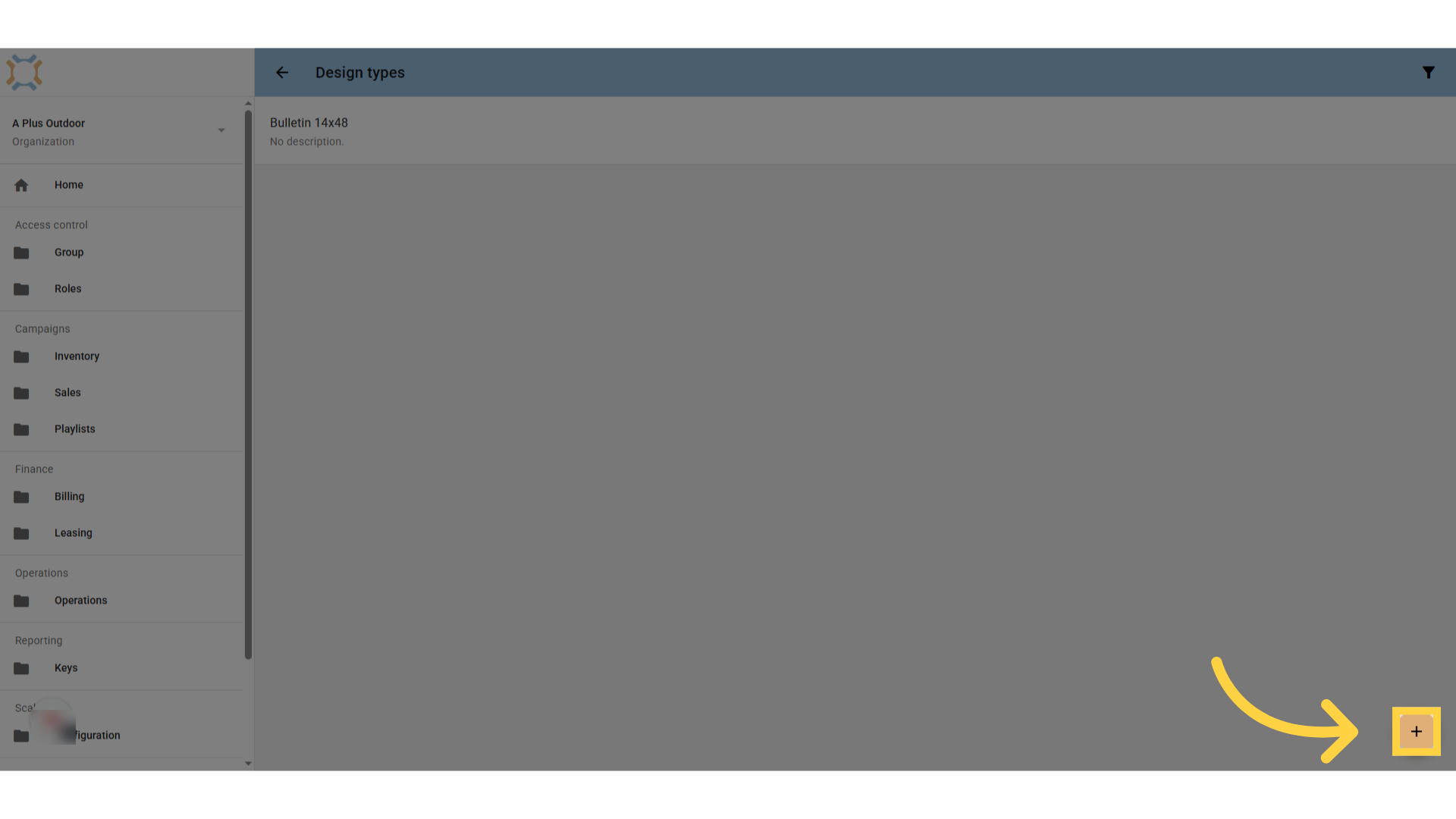
4. Enter the design type
Enter the name of the design type you wish to assign faces to.
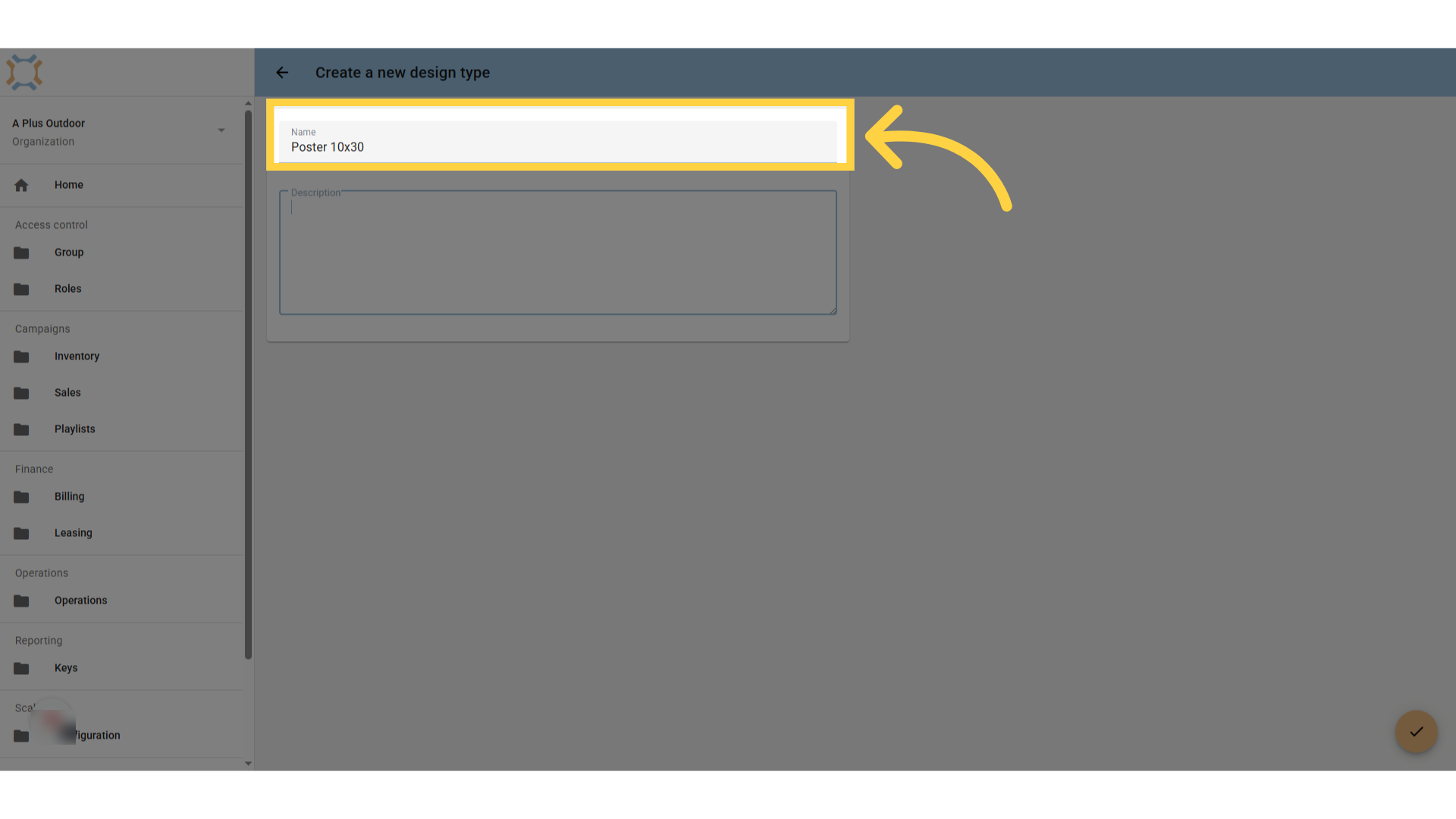
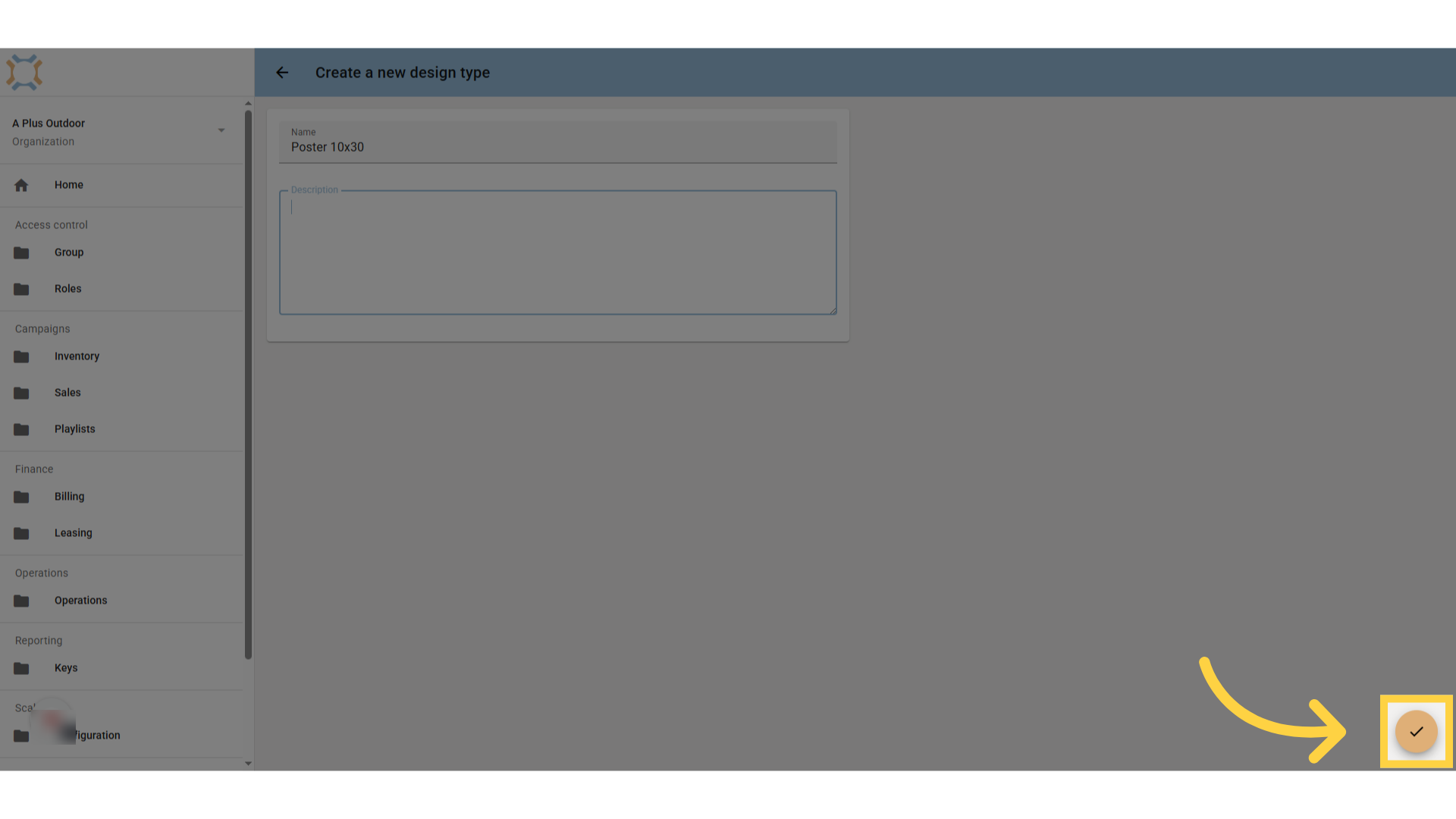
5. Click "done"
When finished, click "done"
If you have any additional questions, please contact Dot2Dot for assistance.
Comments
0 comments
Please sign in to leave a comment.