
Introduction
Technicians are used in Ad Manager Connect to complete service and posting tasks
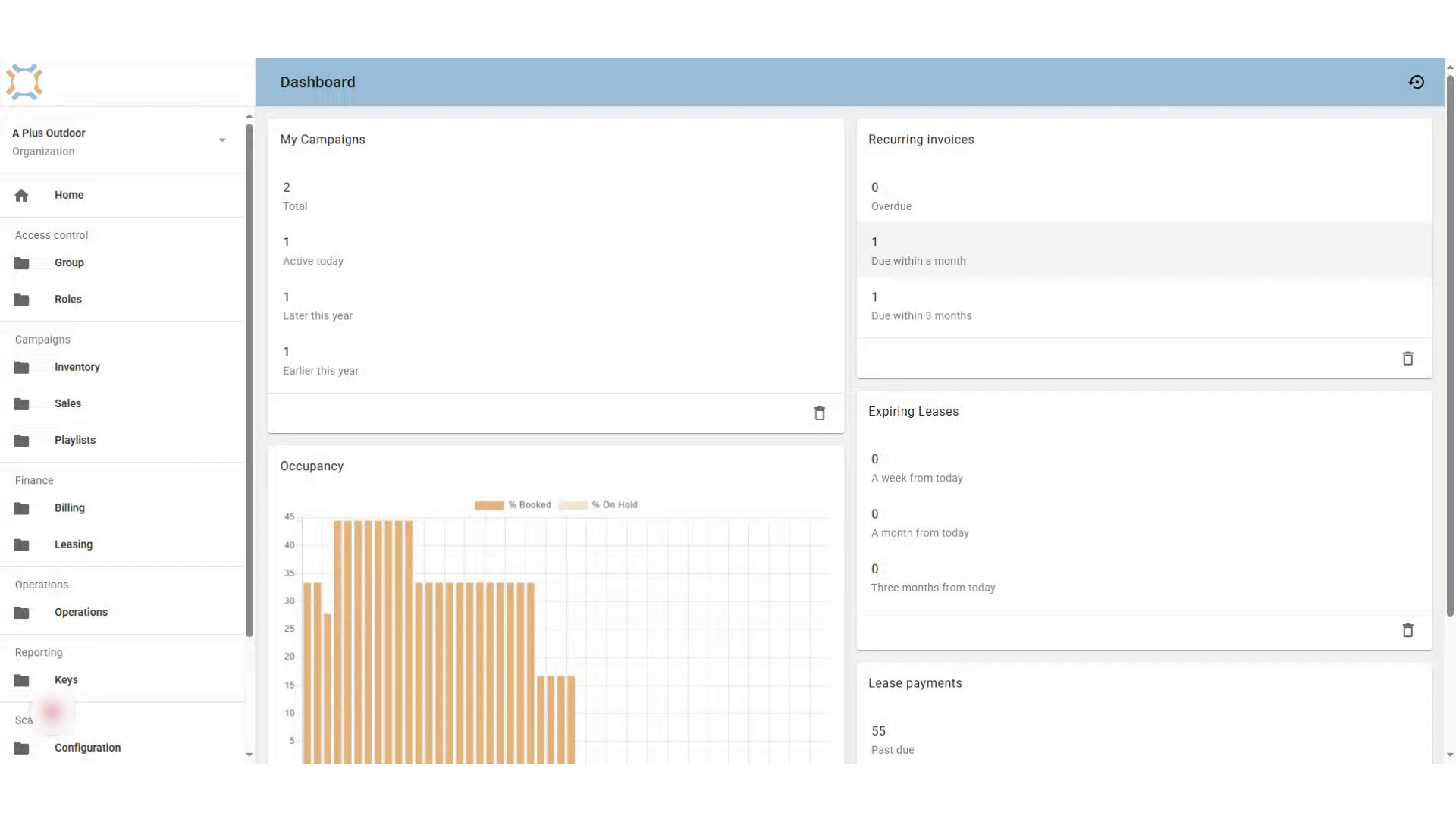
Click "Operations"
To add a technician, click on the Operations folder.
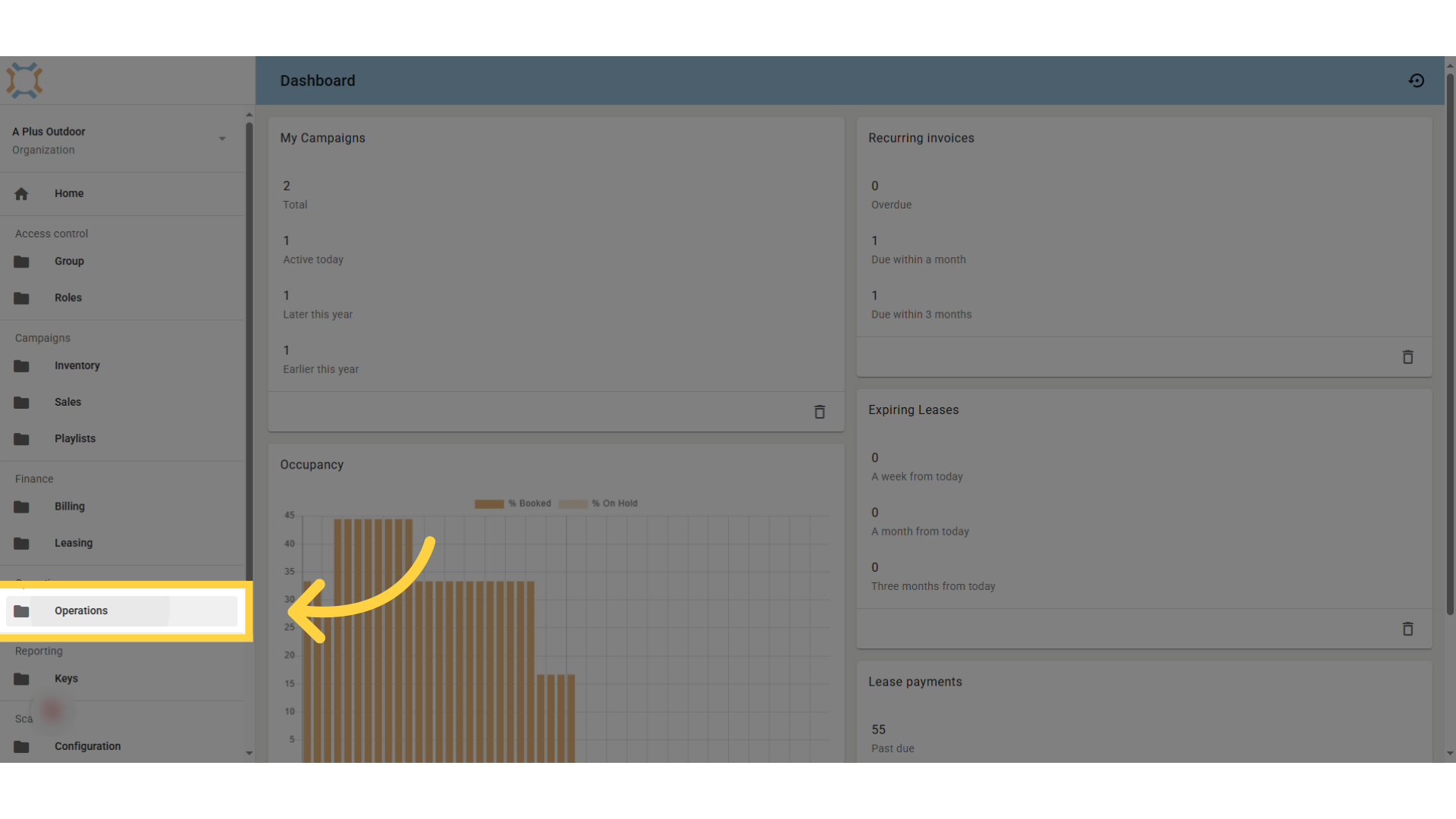
Click "Technicians"
Click on Technicians to see a list of existing technicians and to add a new one.
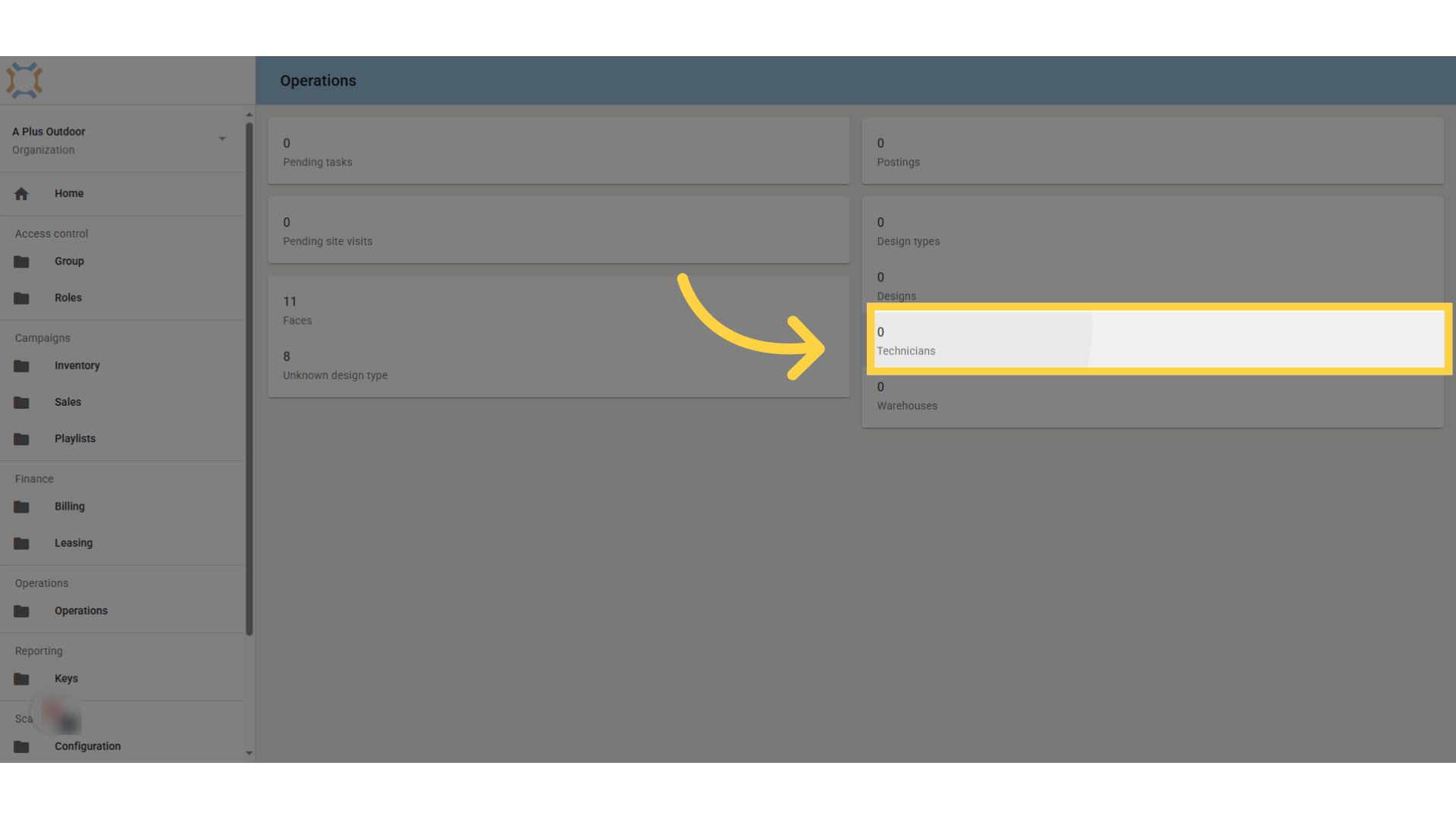
Click "add"
Click the Add button to add a new technician.
Enter Technician's Details
Fill in the technician's name and email address
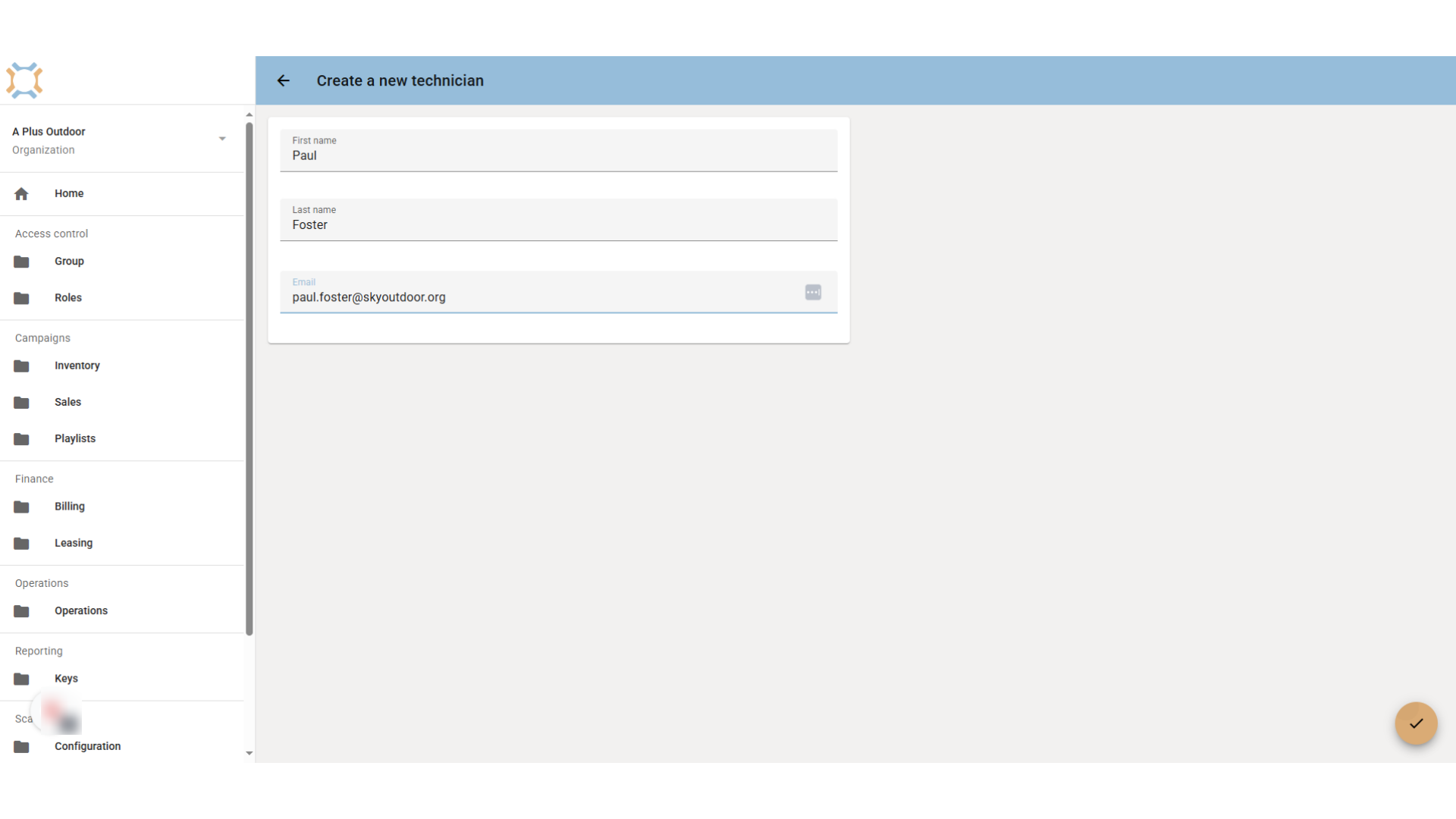
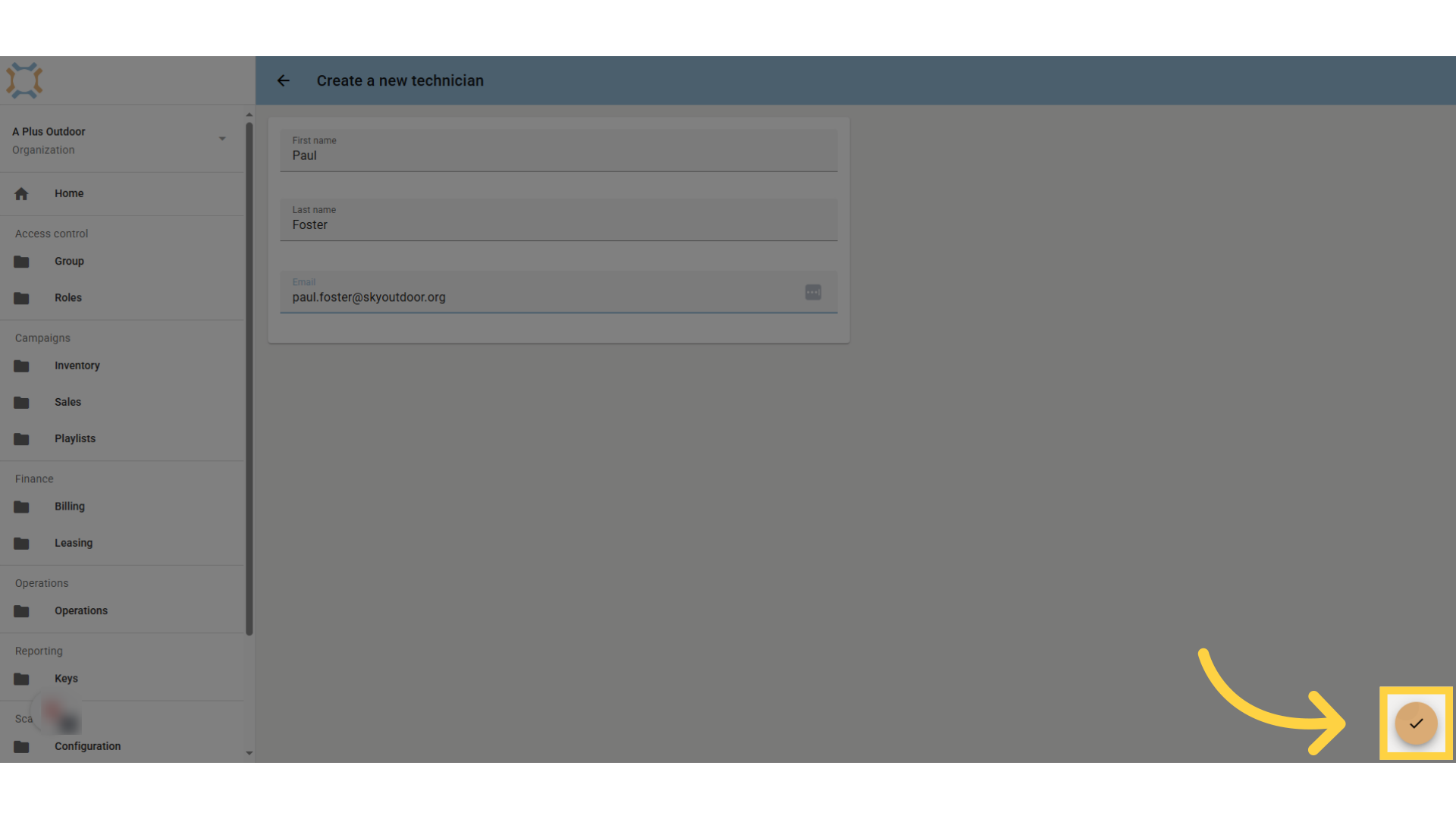
Click "done"
Save the technician by clicking "done".
Add mobile access
If you wish for this technician to be able to use the mobile operations app, you will need to activate this feature
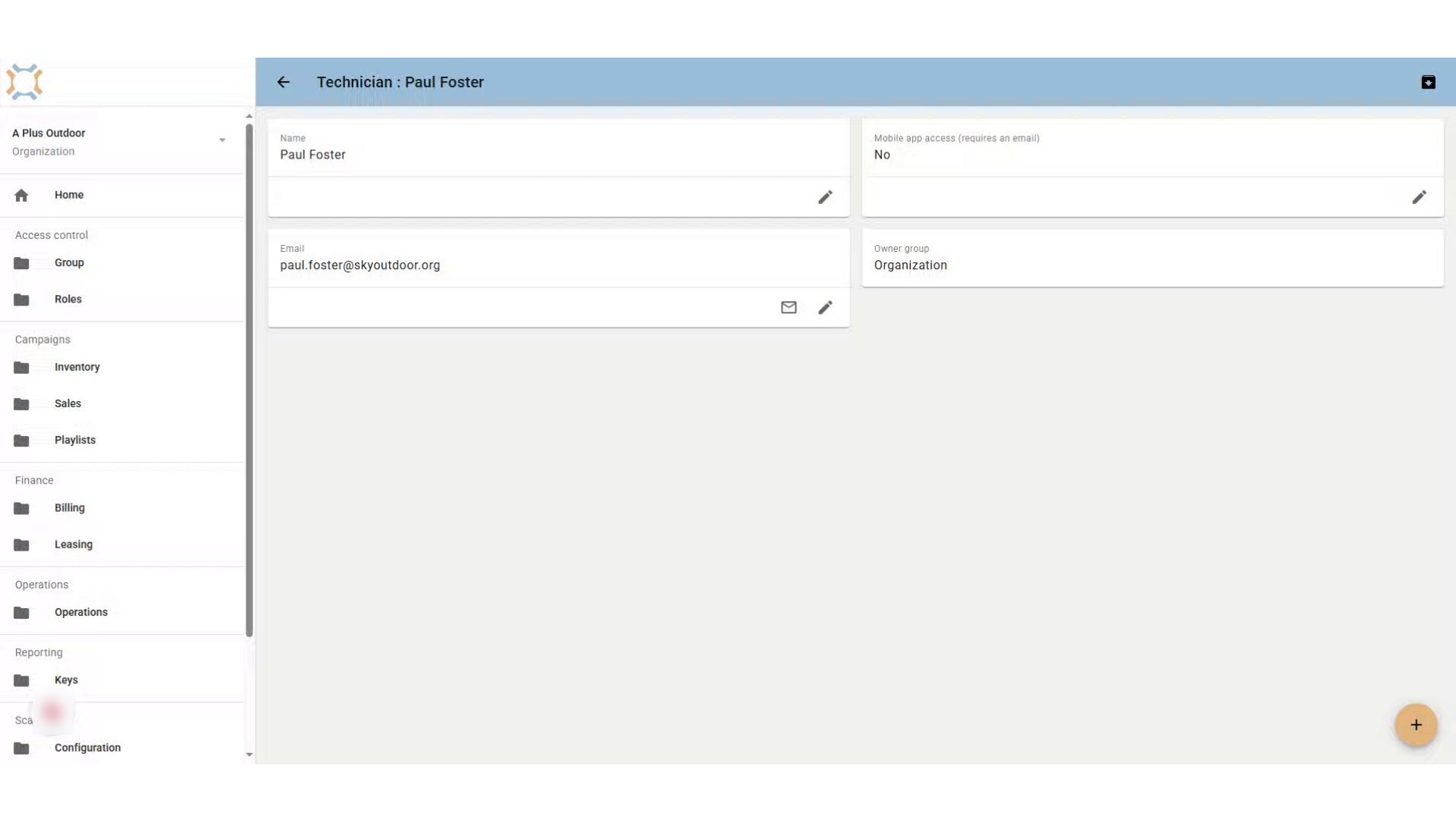
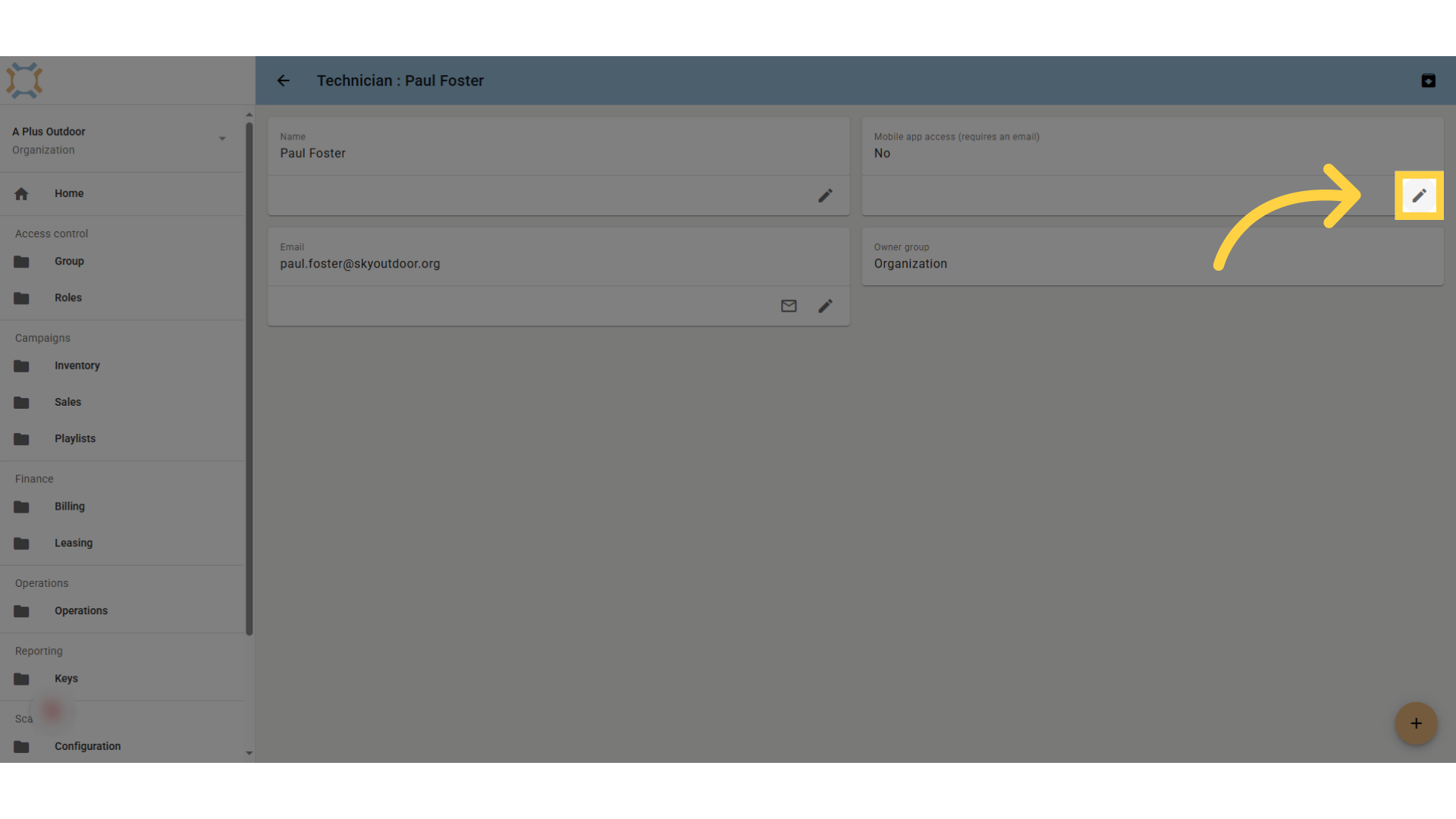
Click "edit"
To activate the feature for this technician, select the "edit" option.
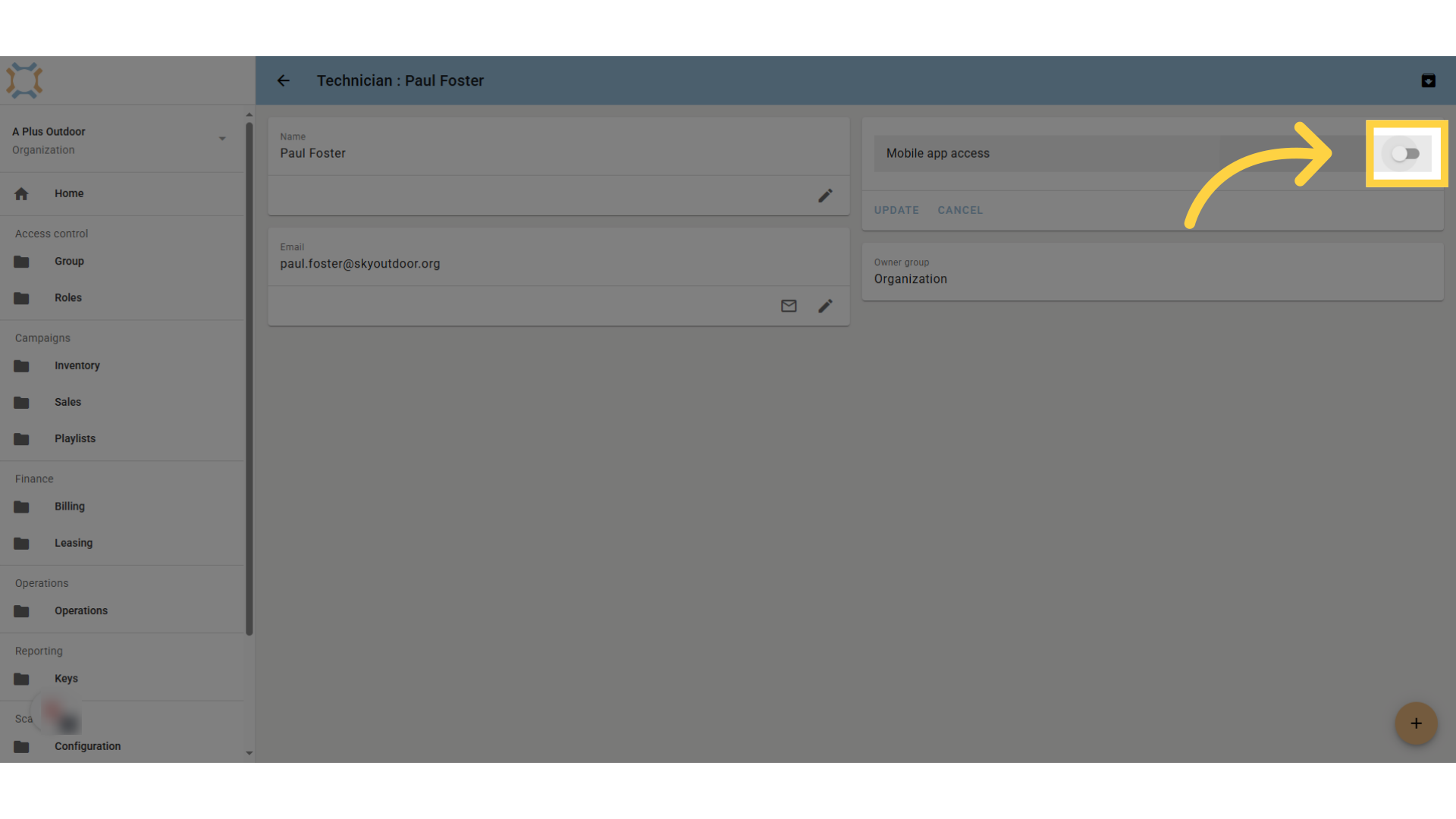
Click "on"
Click to turn on the mobile access
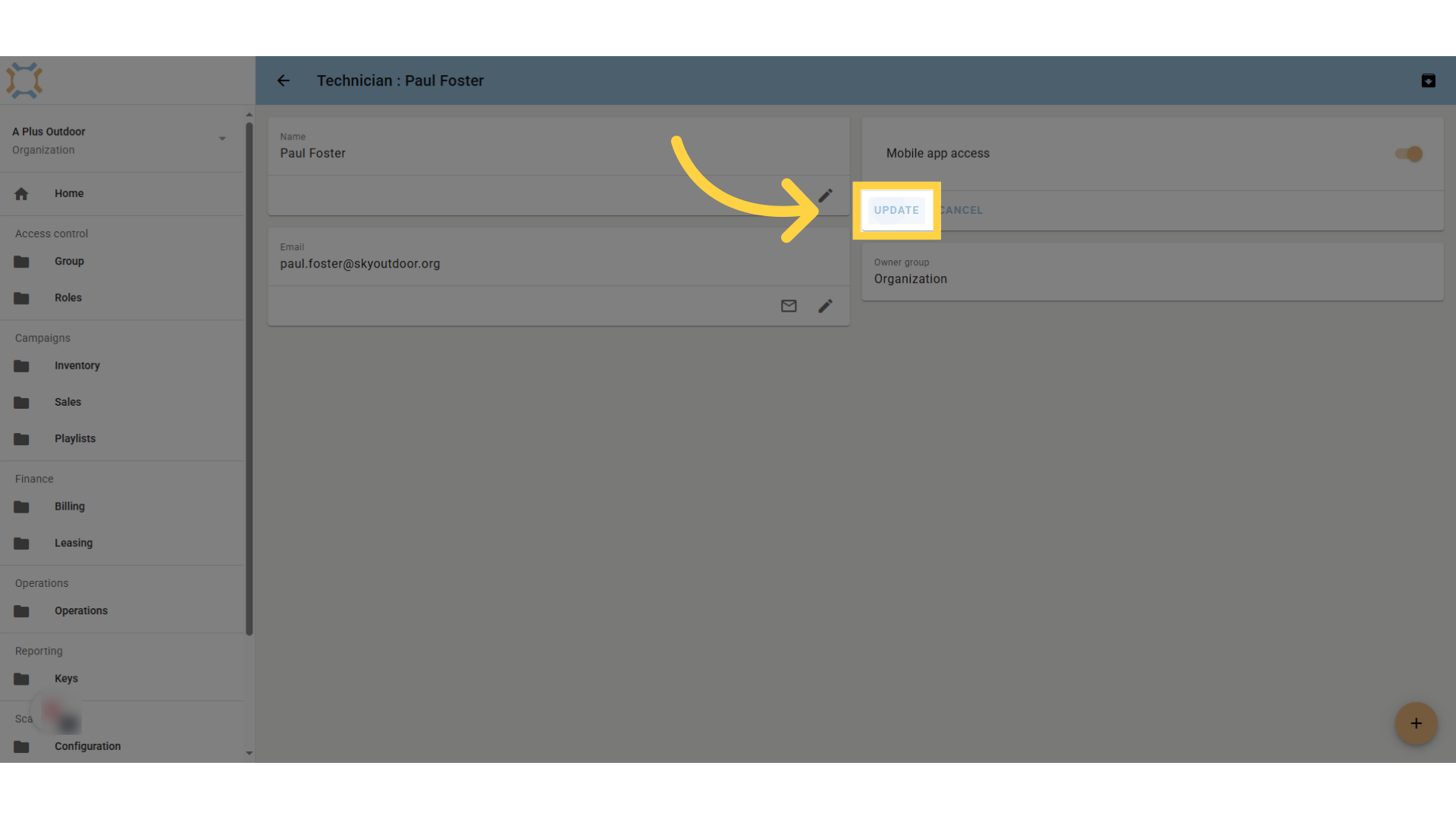
Click "update"
Click update to save the change.
Comments
0 comments
Please sign in to leave a comment.