

Learn how to efficiently update an account executive's information within your billing system
1. Introduction
This guide provides you with the steps to add an AE code that may be used when exporting information to your accounting system
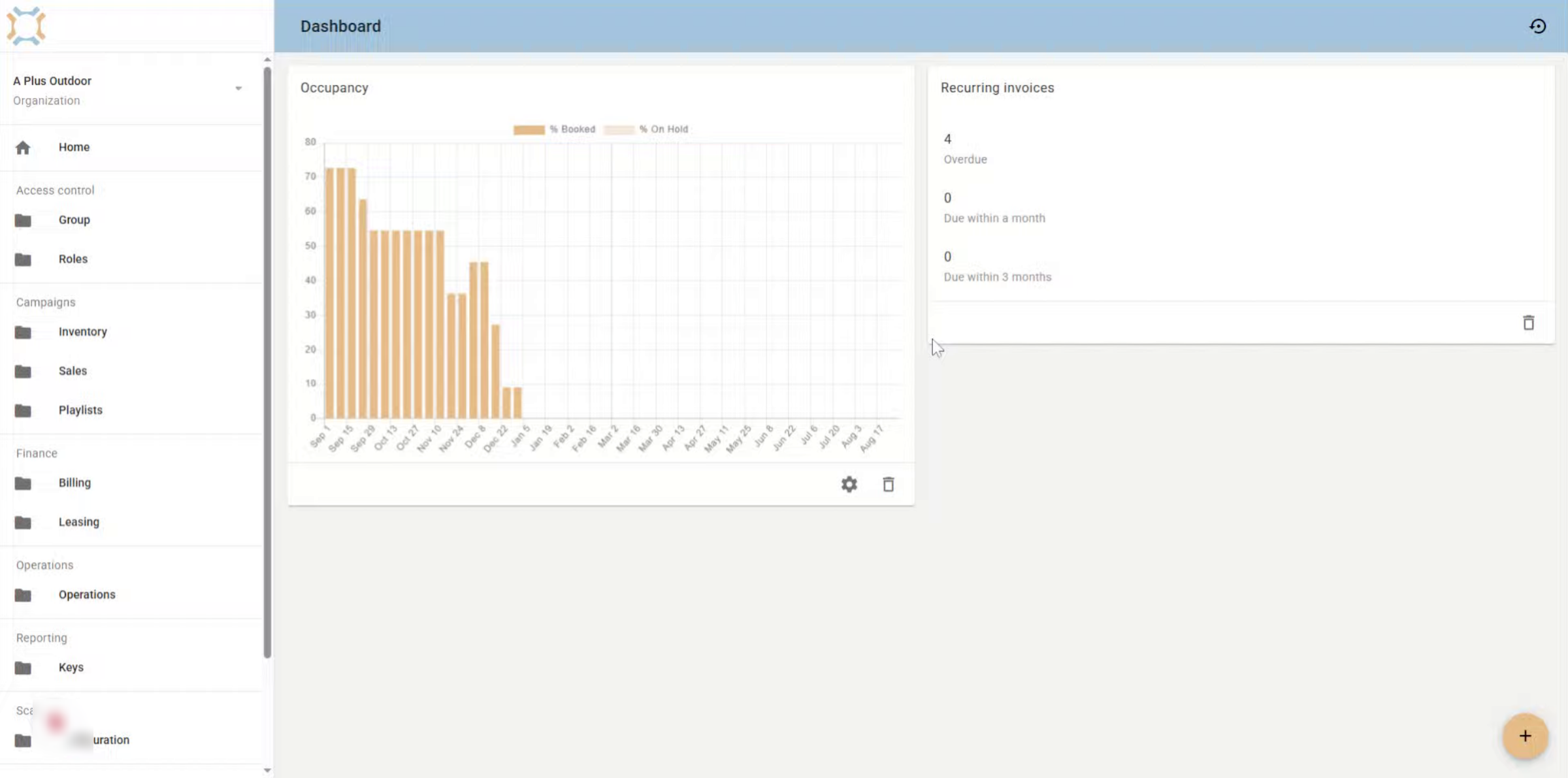
2. Click "Billing"
Click on billing
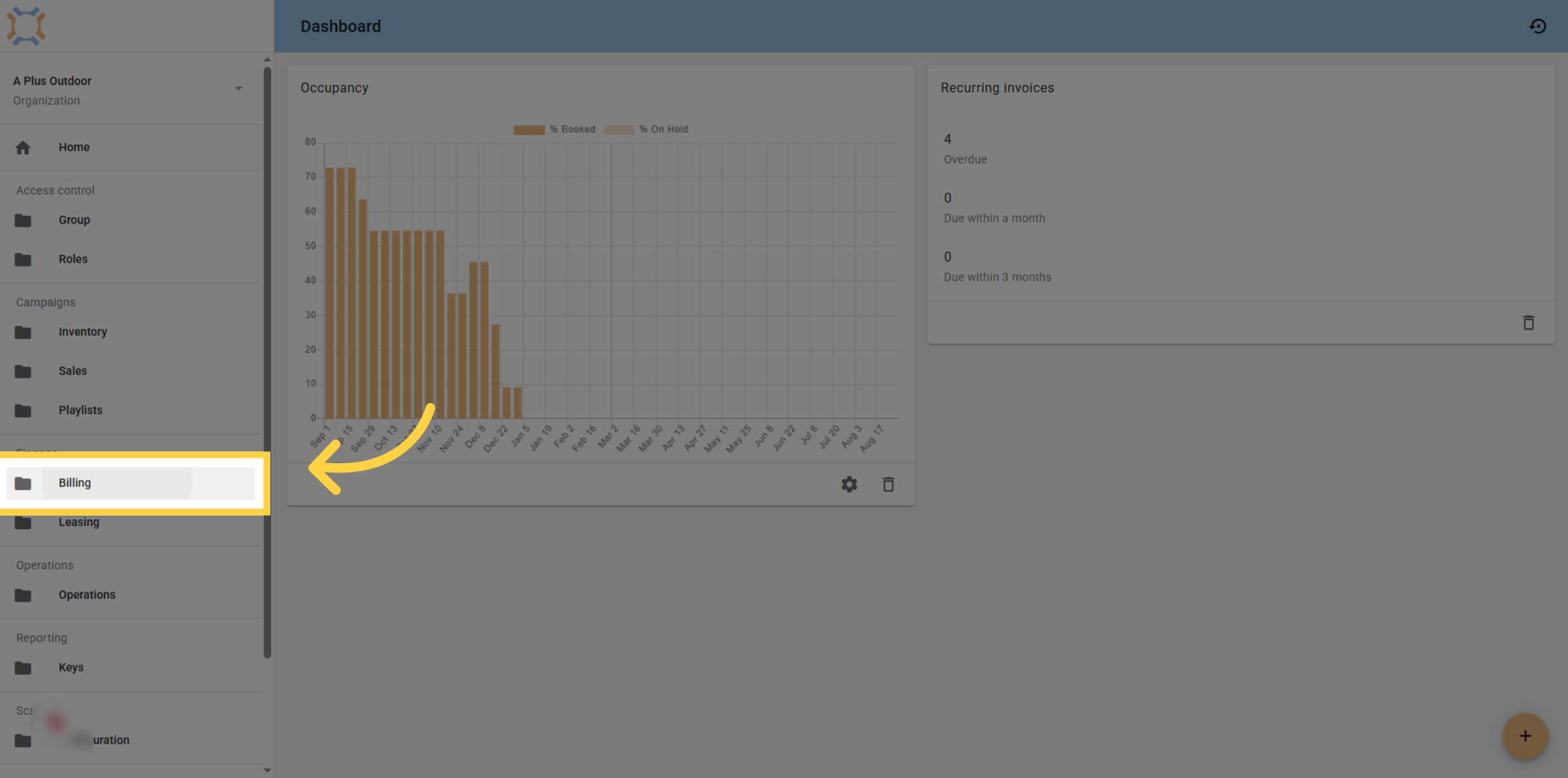
3. Click appropriate filter
Select the appropriate Account Executive filter to continue.
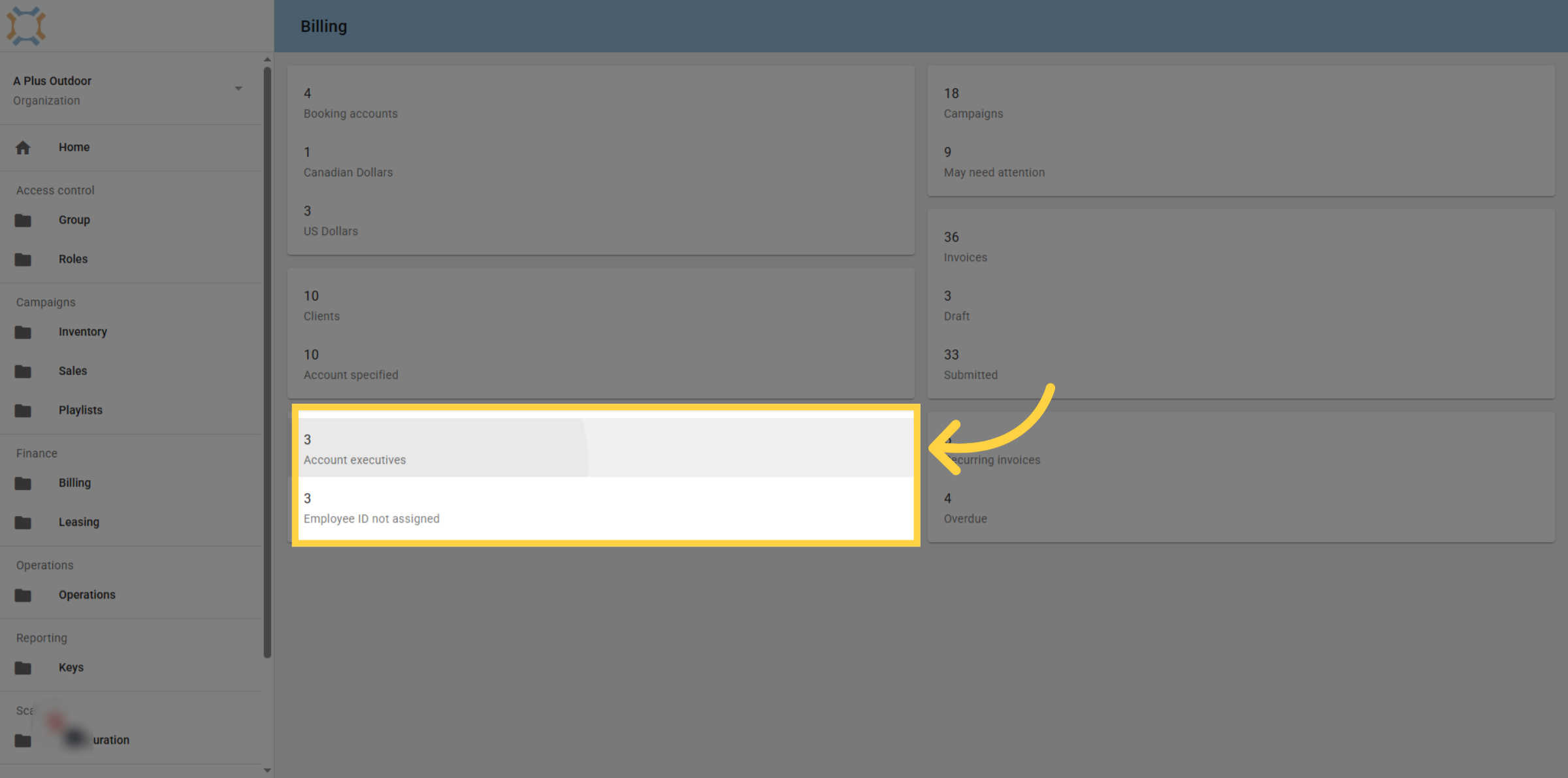
4. Select appropriate AE
Choose the specific employee whose details you want to update.
5. Click "edit"
Click edit to update the Account Executive's Employee ID.
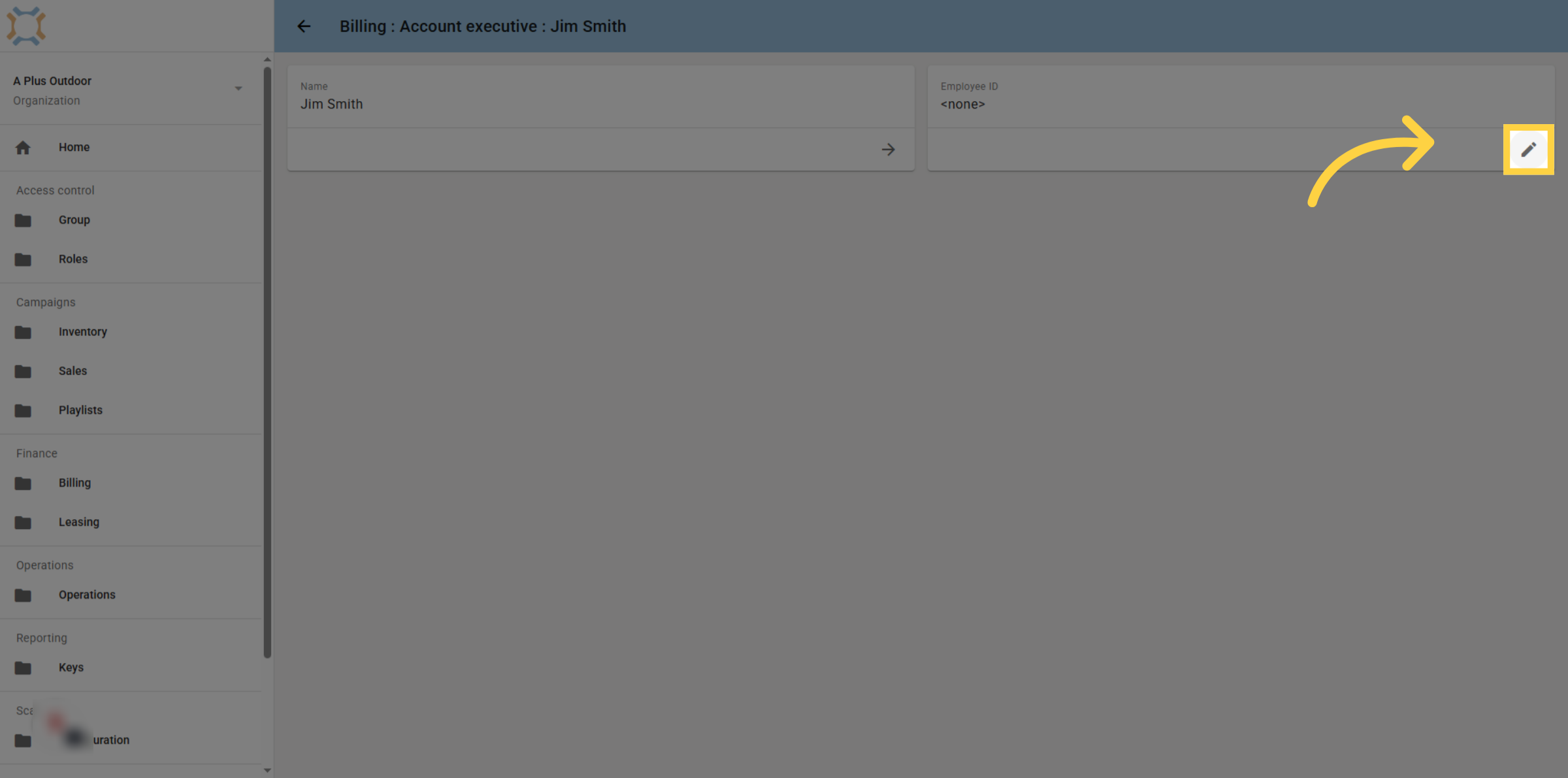
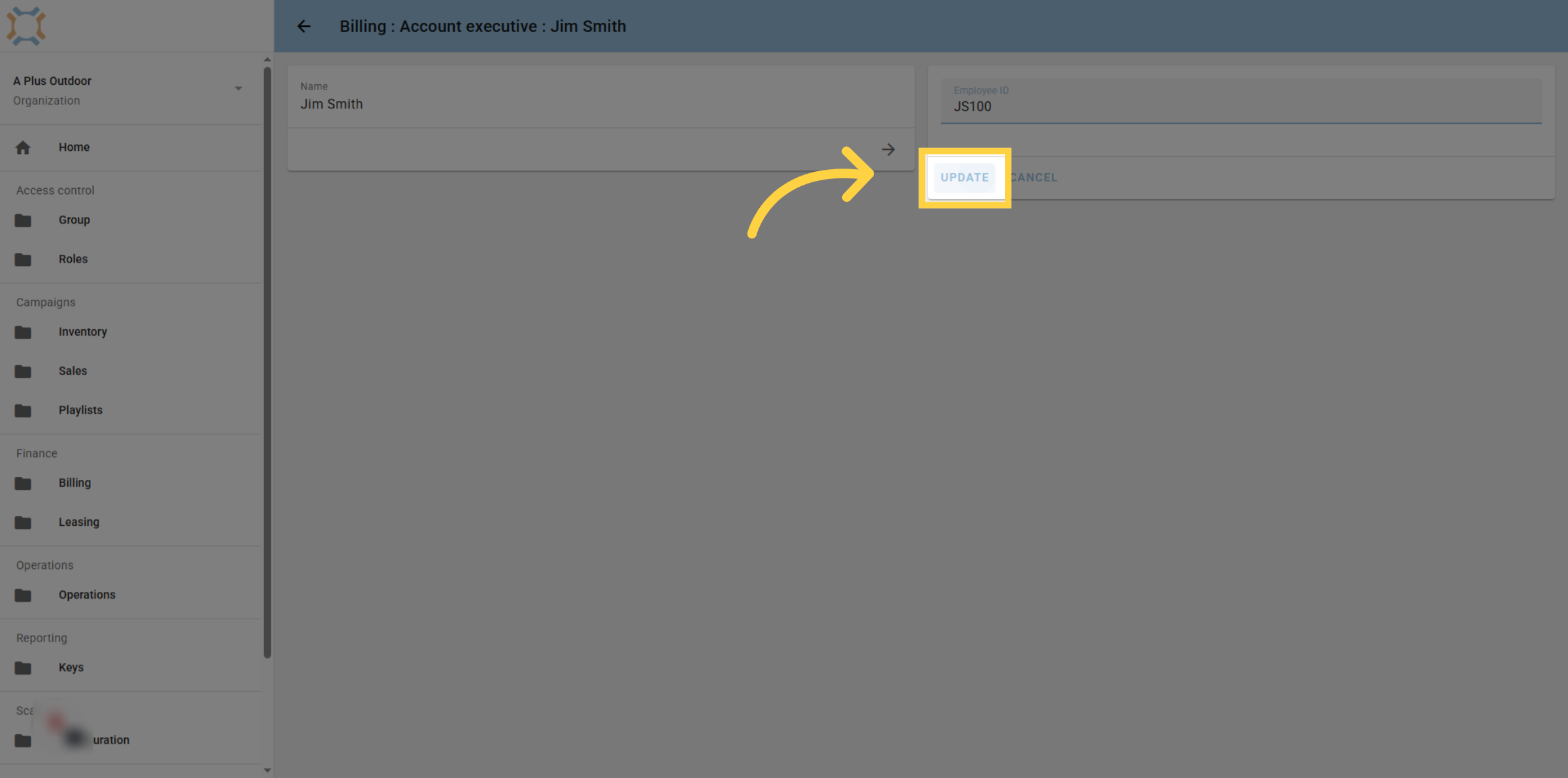
6. Click "update"
After entering the employee ID, click update to save your changes
If you have any additional questions, please contact Dot2Dot for assistance.
Comments
0 comments
Please sign in to leave a comment.