
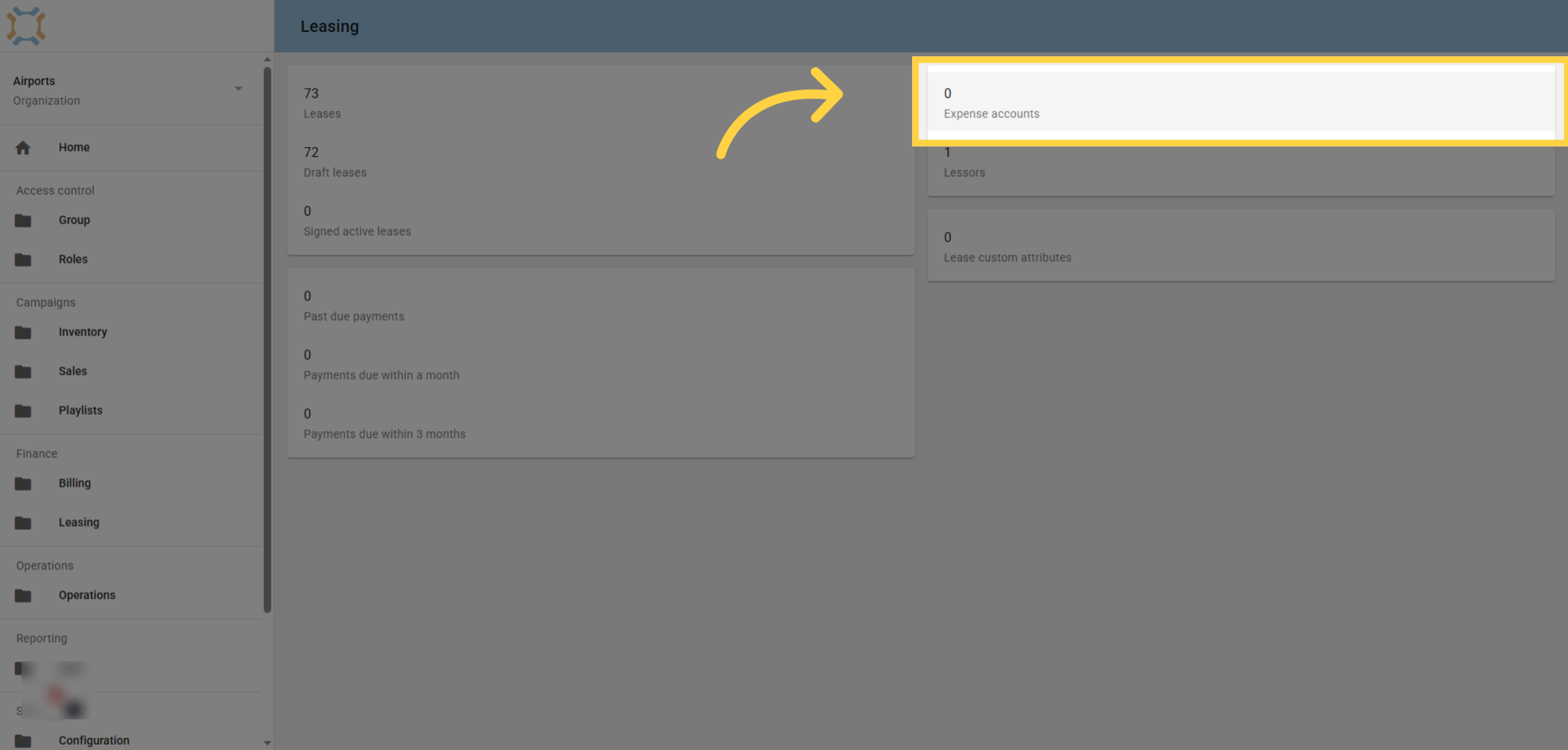
1. Open Expense Accounts
Click the Expense accounts option to view all existing accounts.
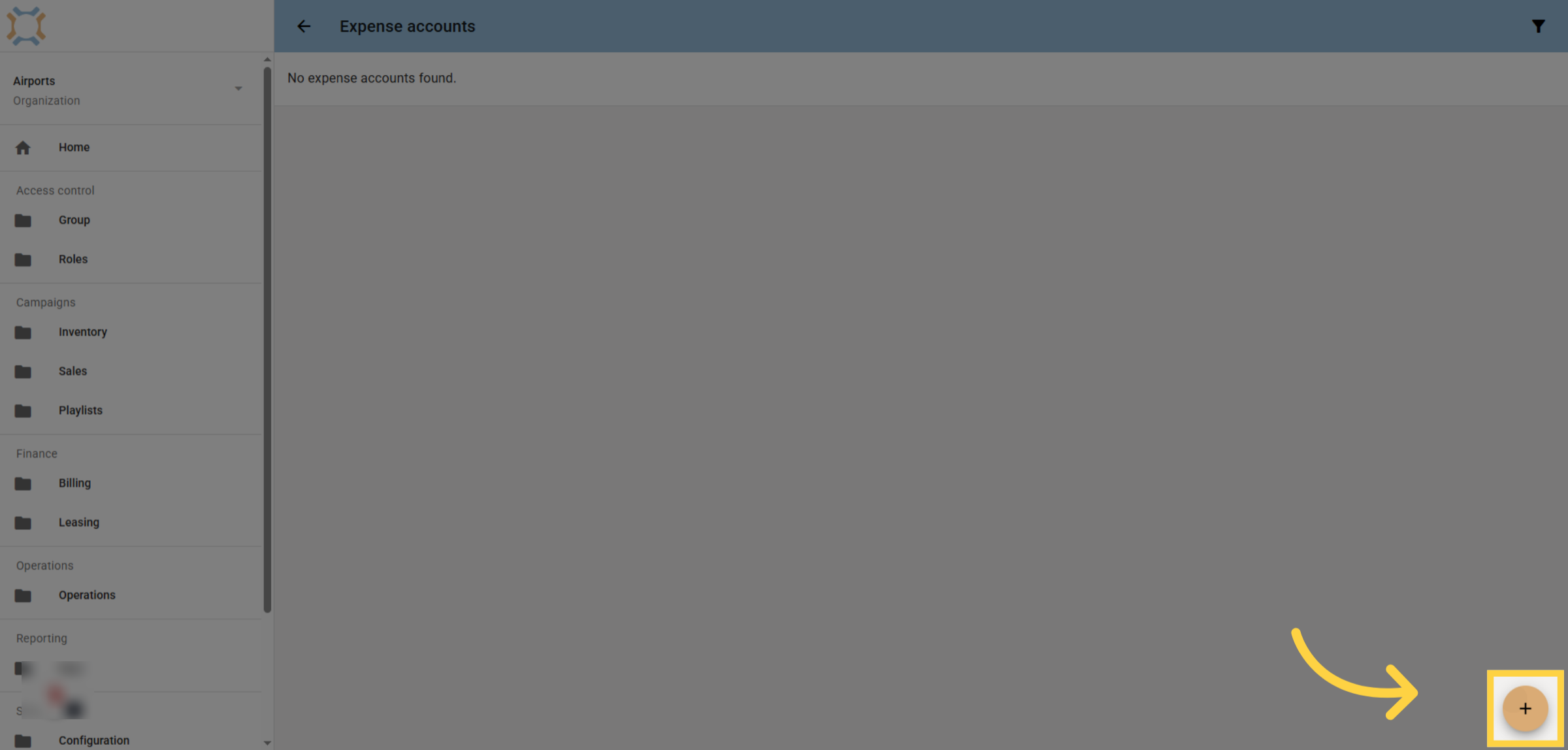
2. Add a New Account
Click the add button to create a new lease expense account.
3. Enter Account Name
Enter the name of the lease expense account.
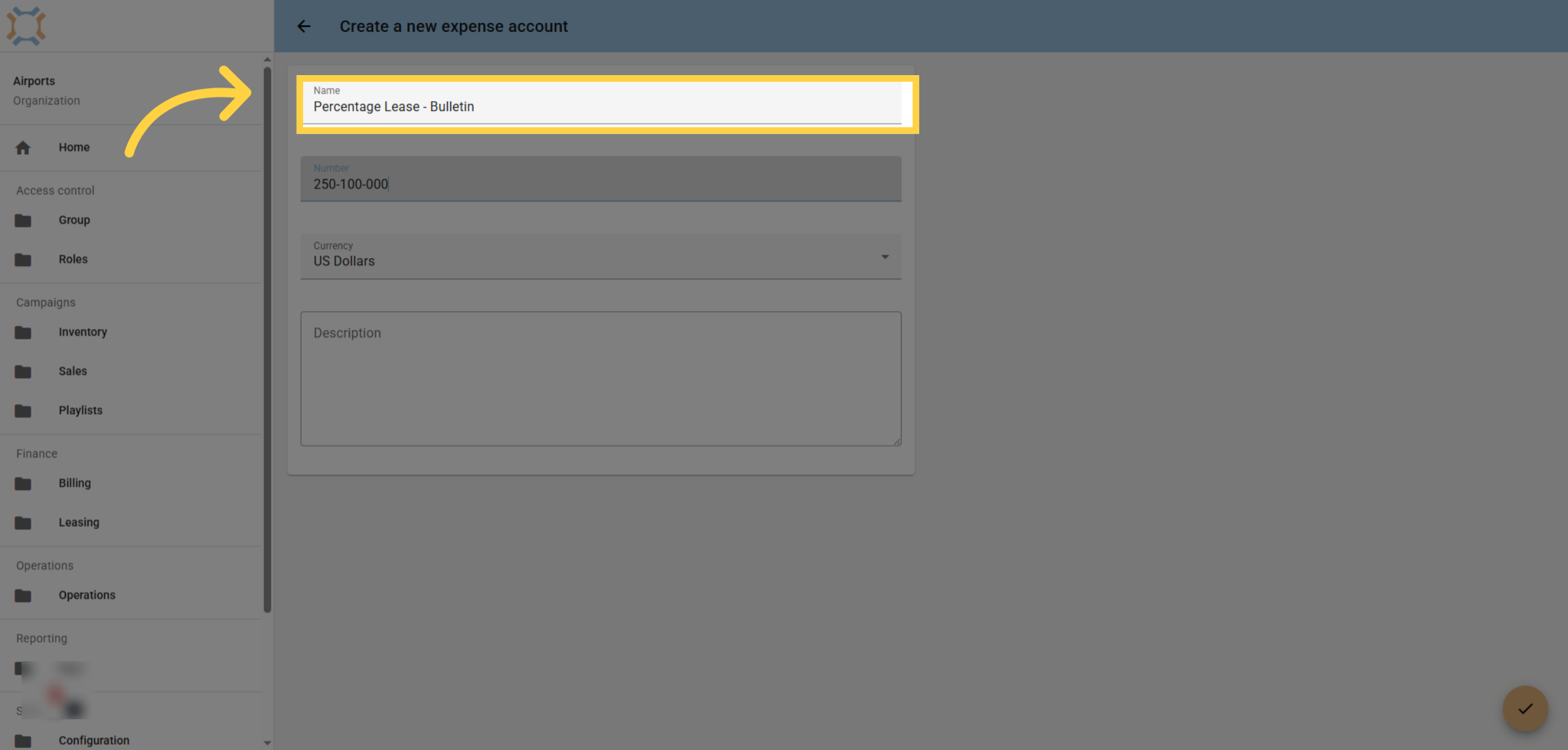
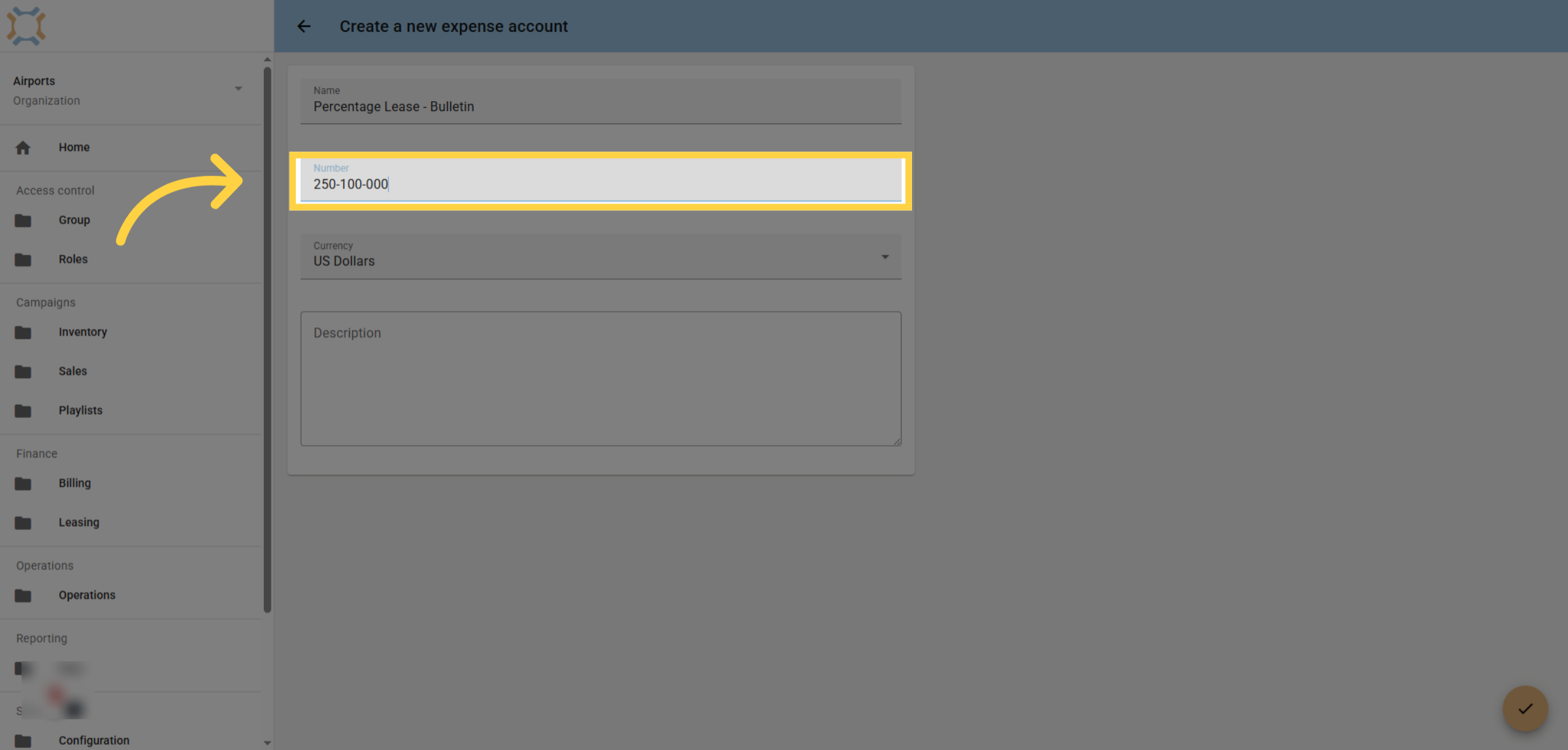
4. Enter Account Number
Enter the GL code or account number for this lease expense type.
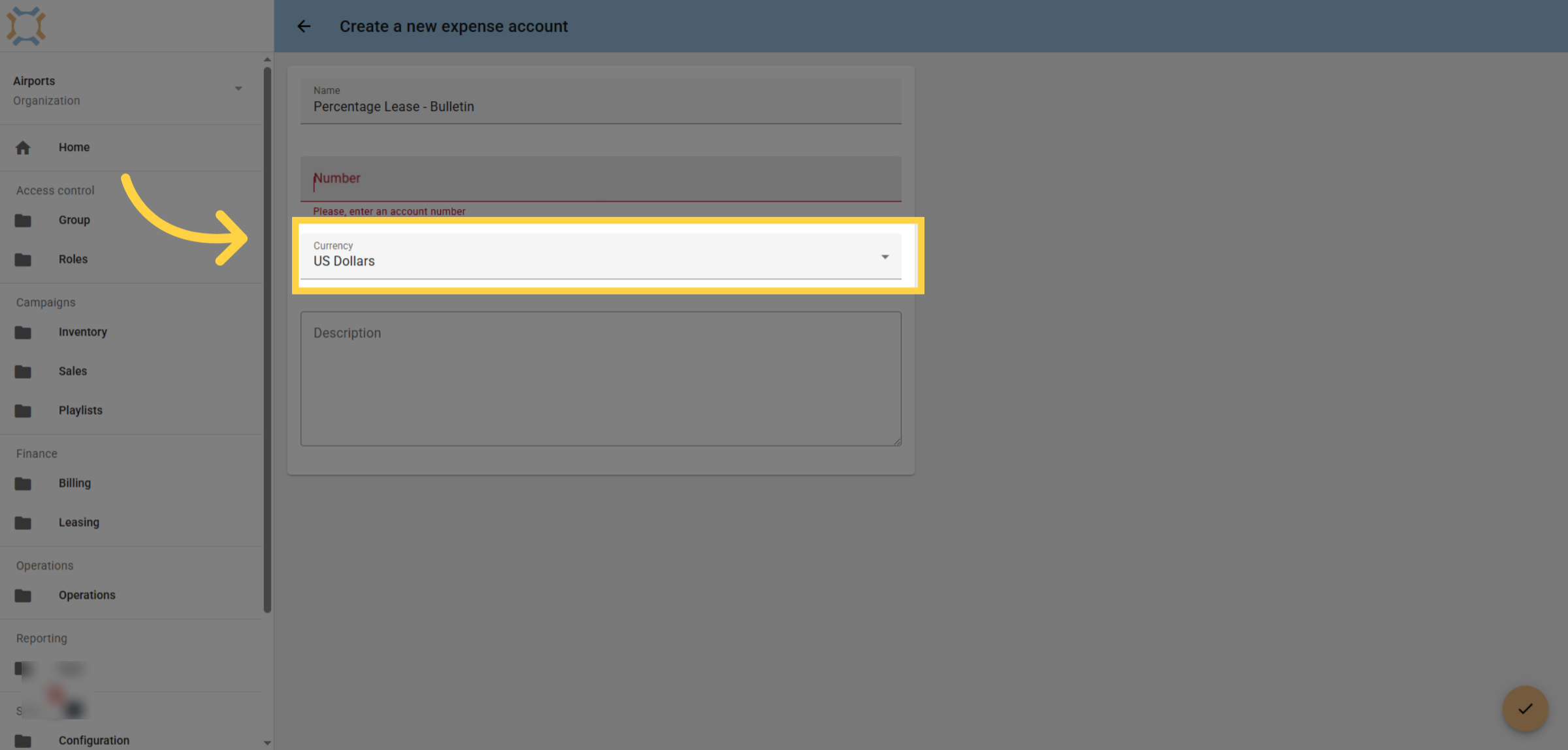
5. Select Currency
Select the appropriate currency for this account.
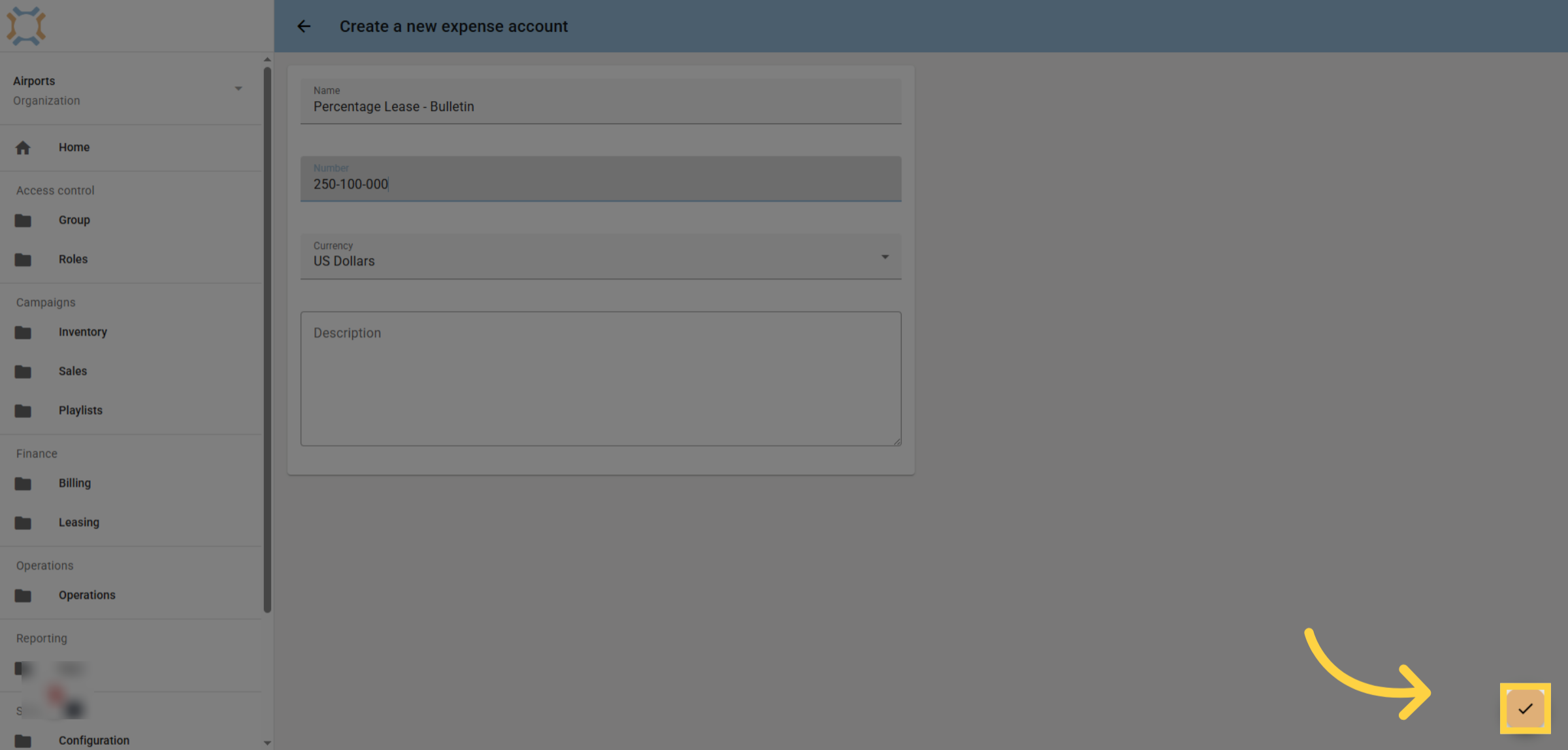
6. Click Done
When you have finished entering the information for this account, click Done.
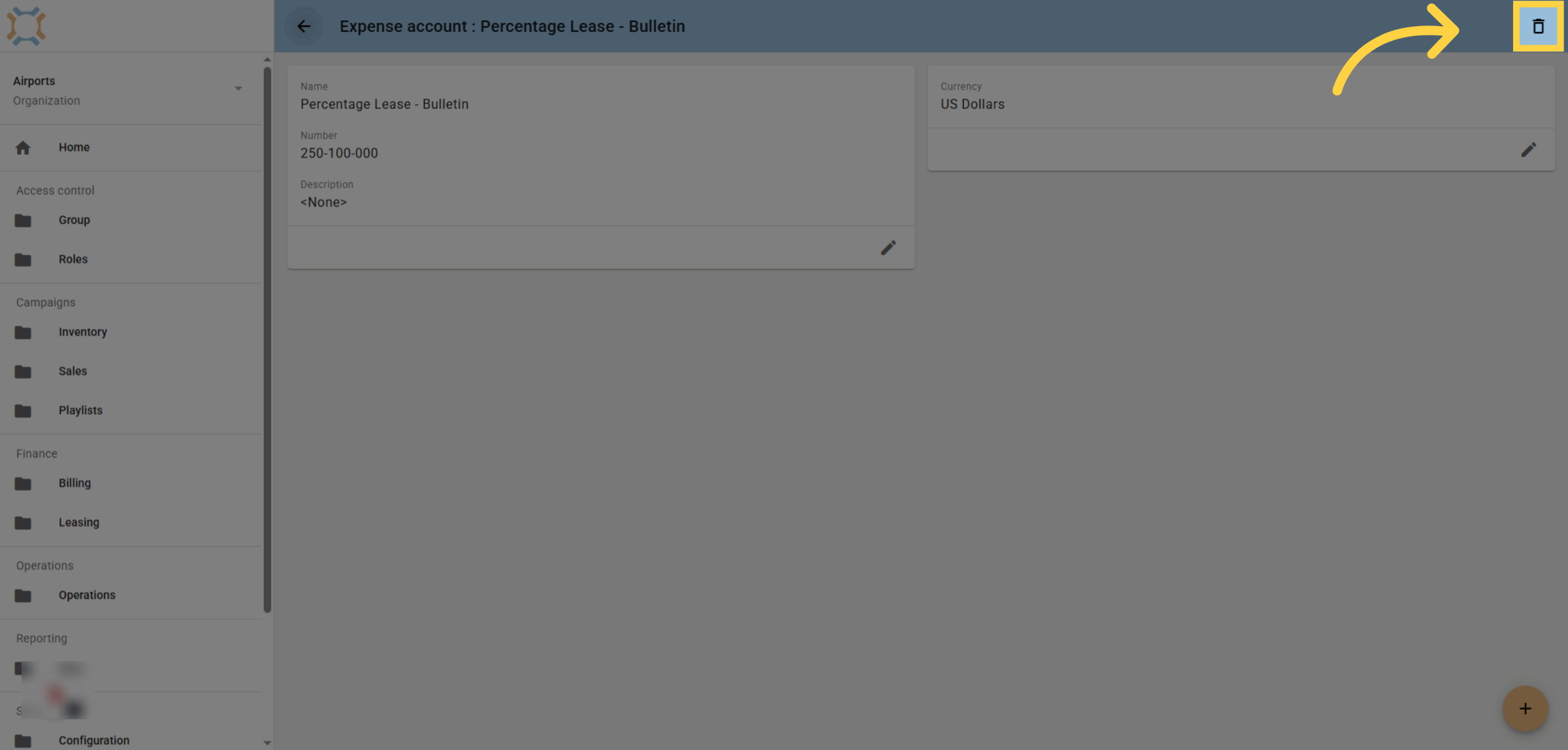
7. Delete an Expense Account
If you wish to delete an expense account, go to the account and click the delete icon
If you have any additional questions, please contact Dot2Dot for assistance.
Comments
0 comments
Please sign in to leave a comment.