
Introduction
Adding a Site allows you to identify any inventory you want to track in Ad Manager Connect
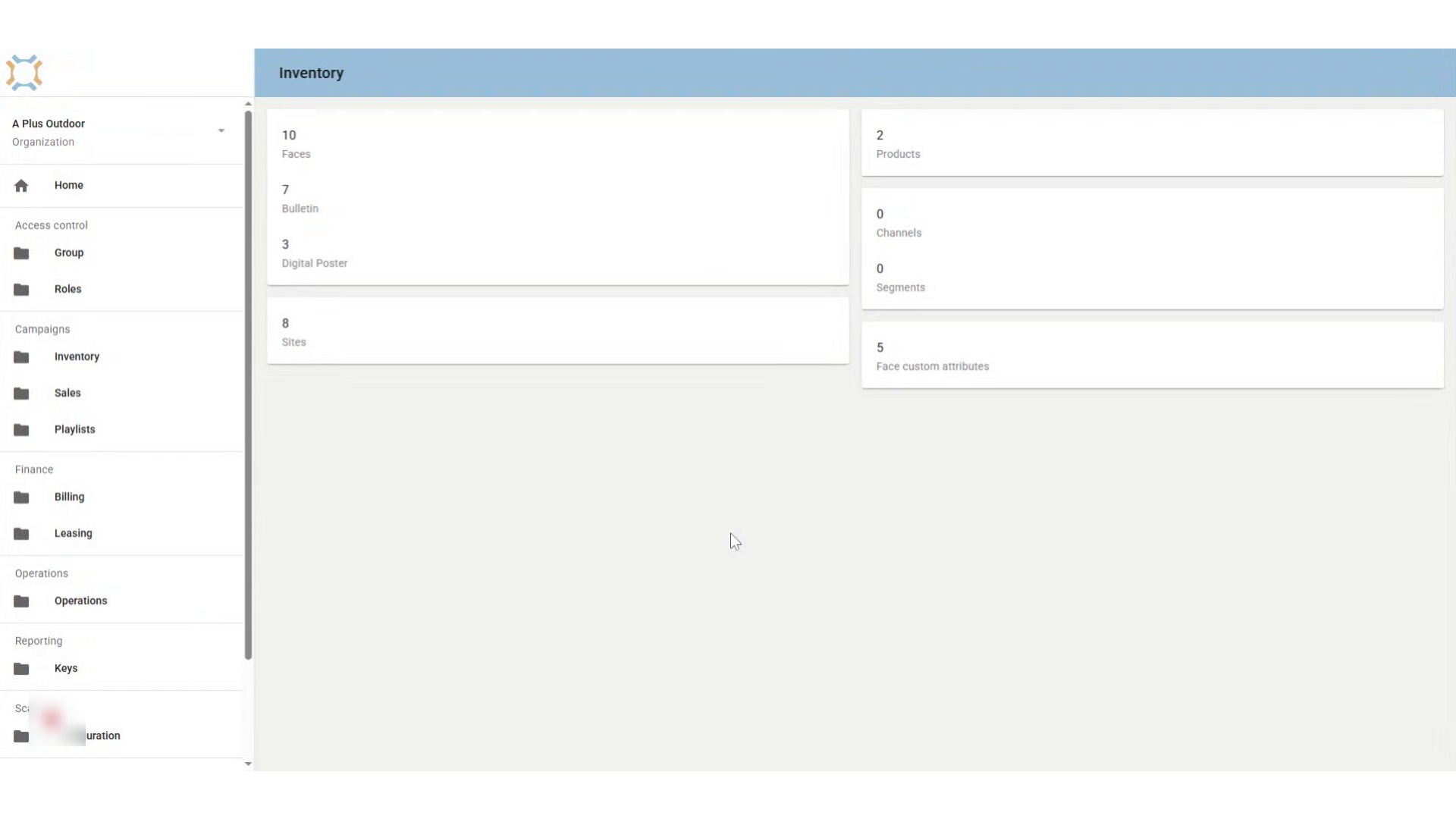
Click "Sites"
Begin by clicking the Sites card to access the listing of Sites
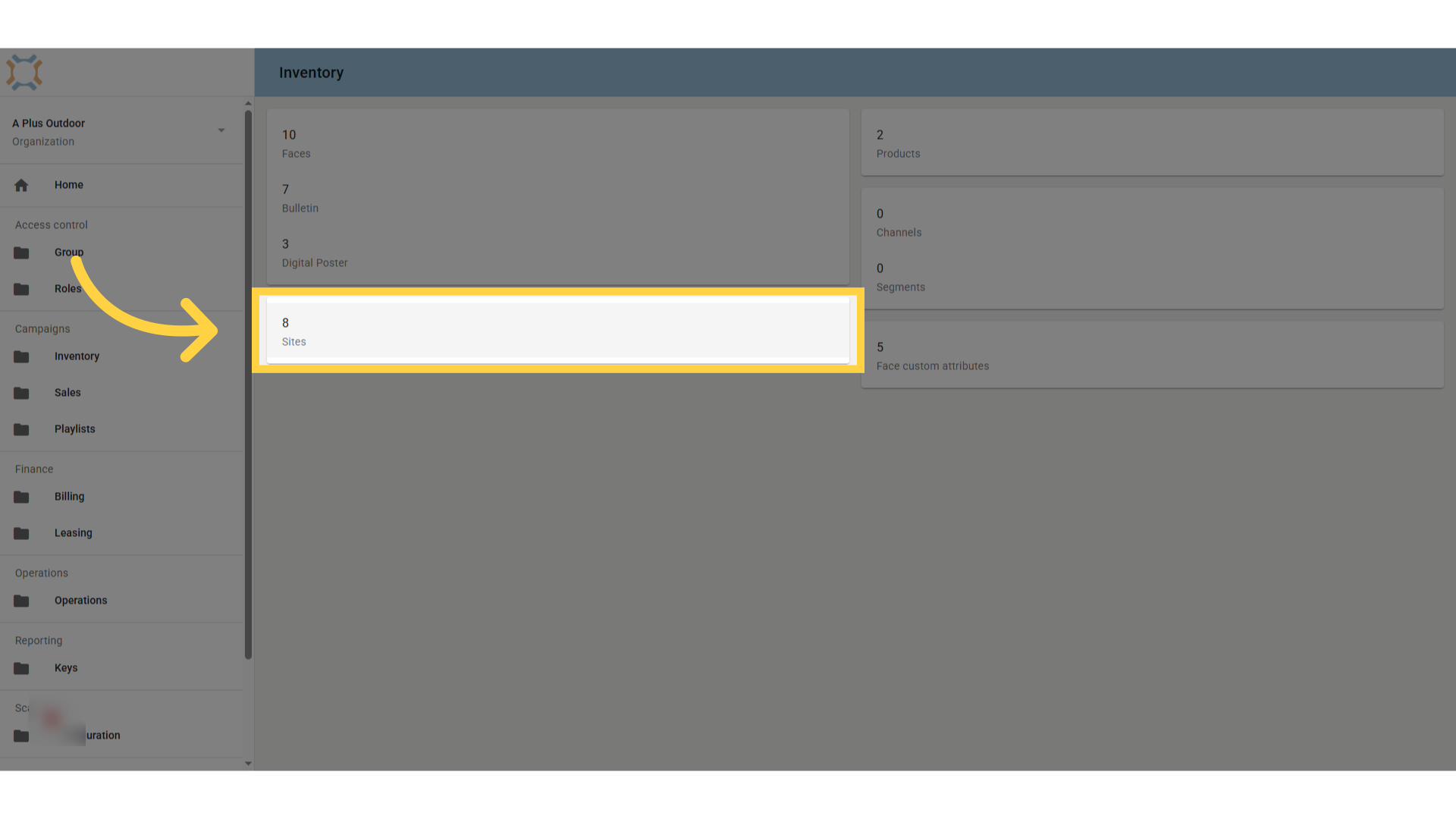
Click "add"
Click Add to add a new site
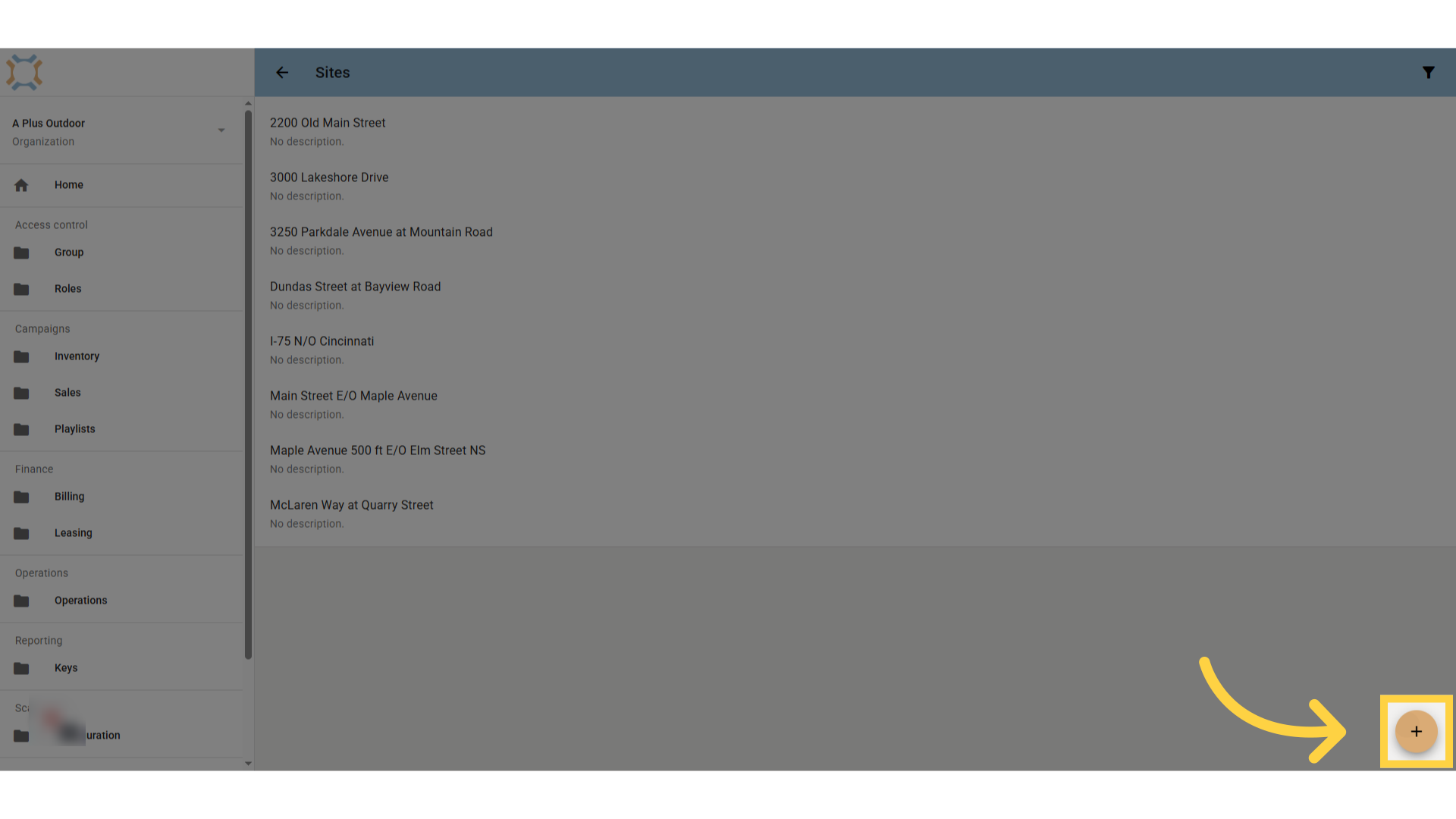
Enter Site Description
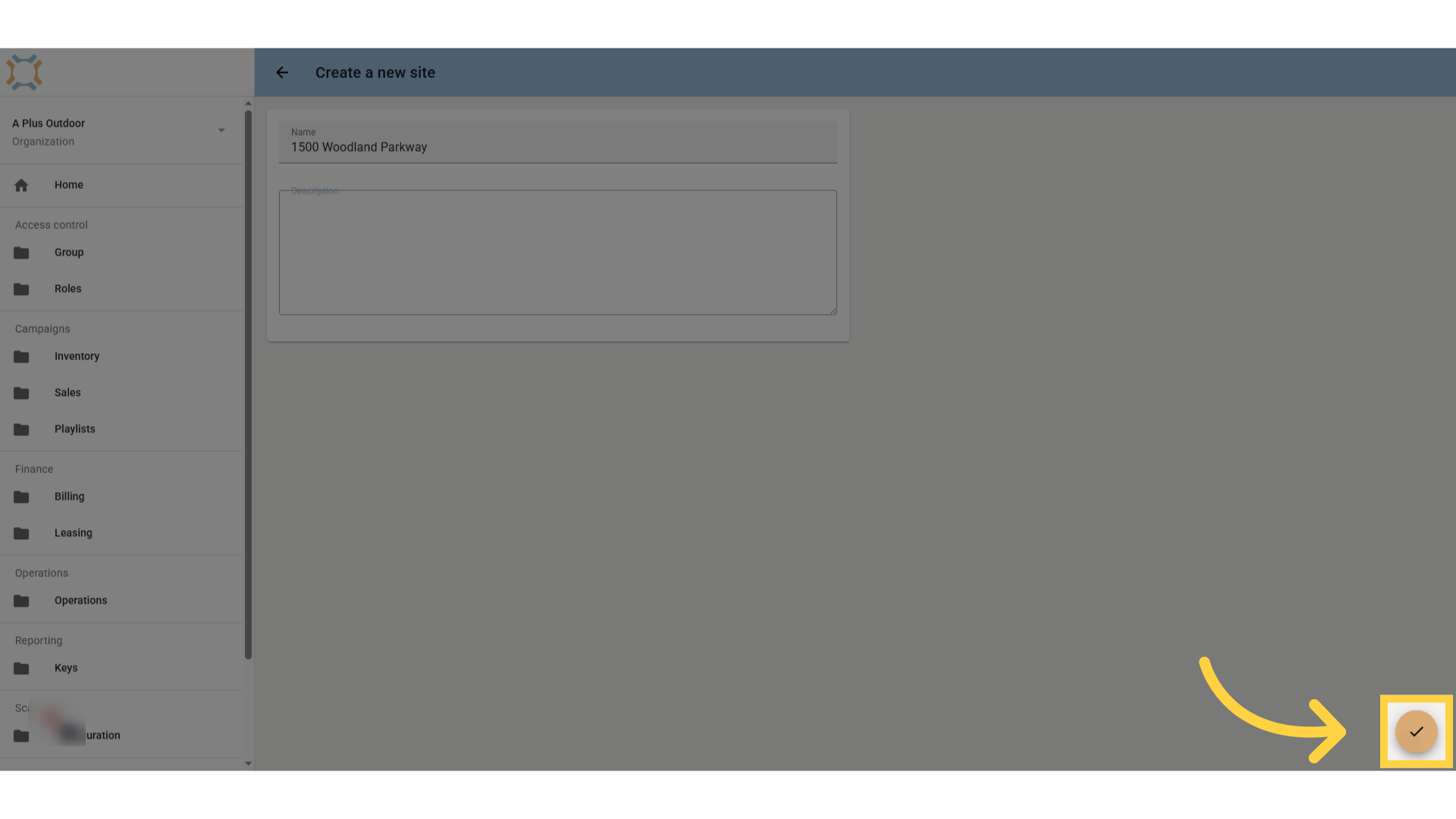
Enter the Site information in the Name field. If you wish to add additional information, this can be done in the Description field.
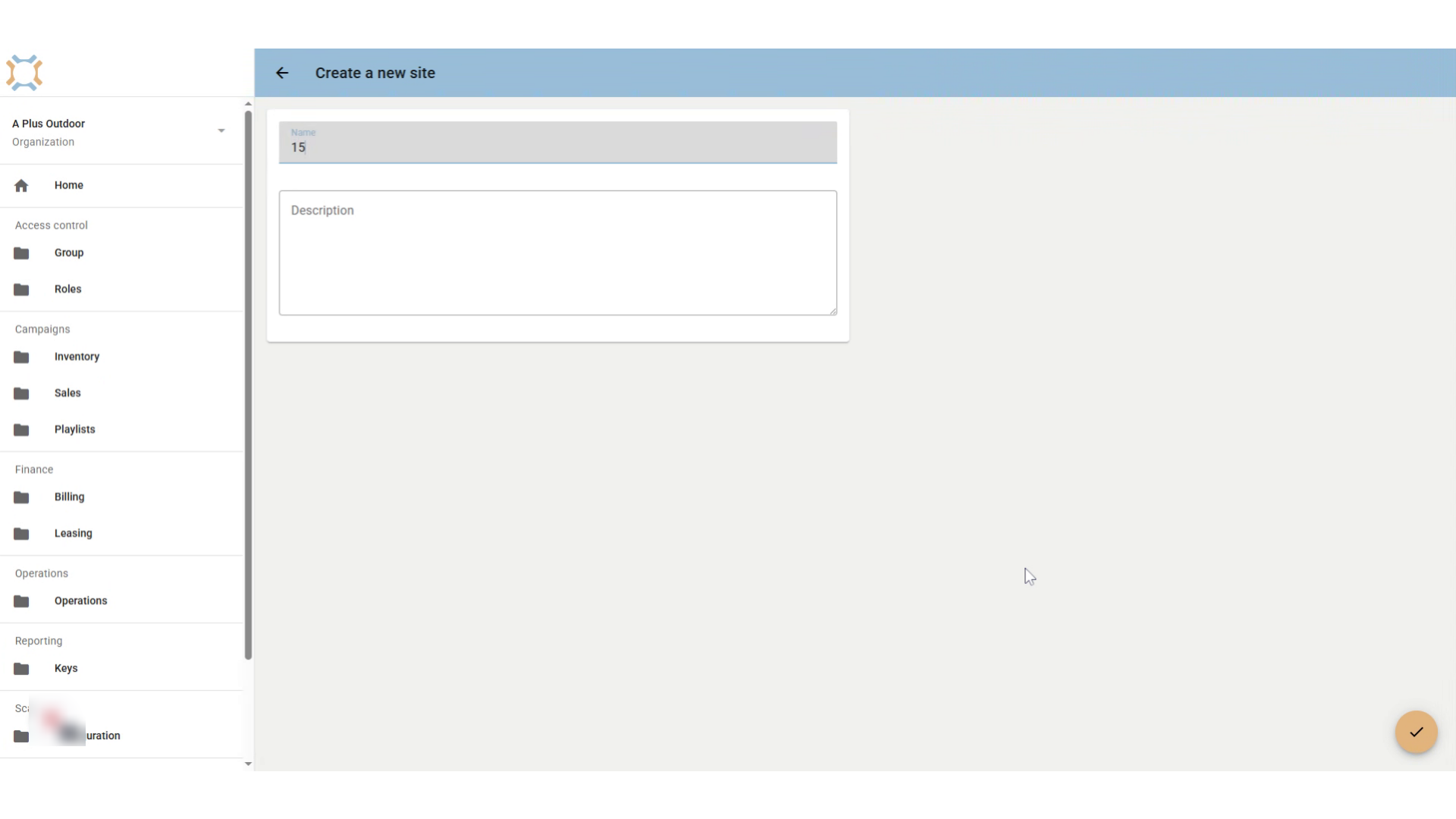
Click "done"
To add the Site, click Done.
Click here
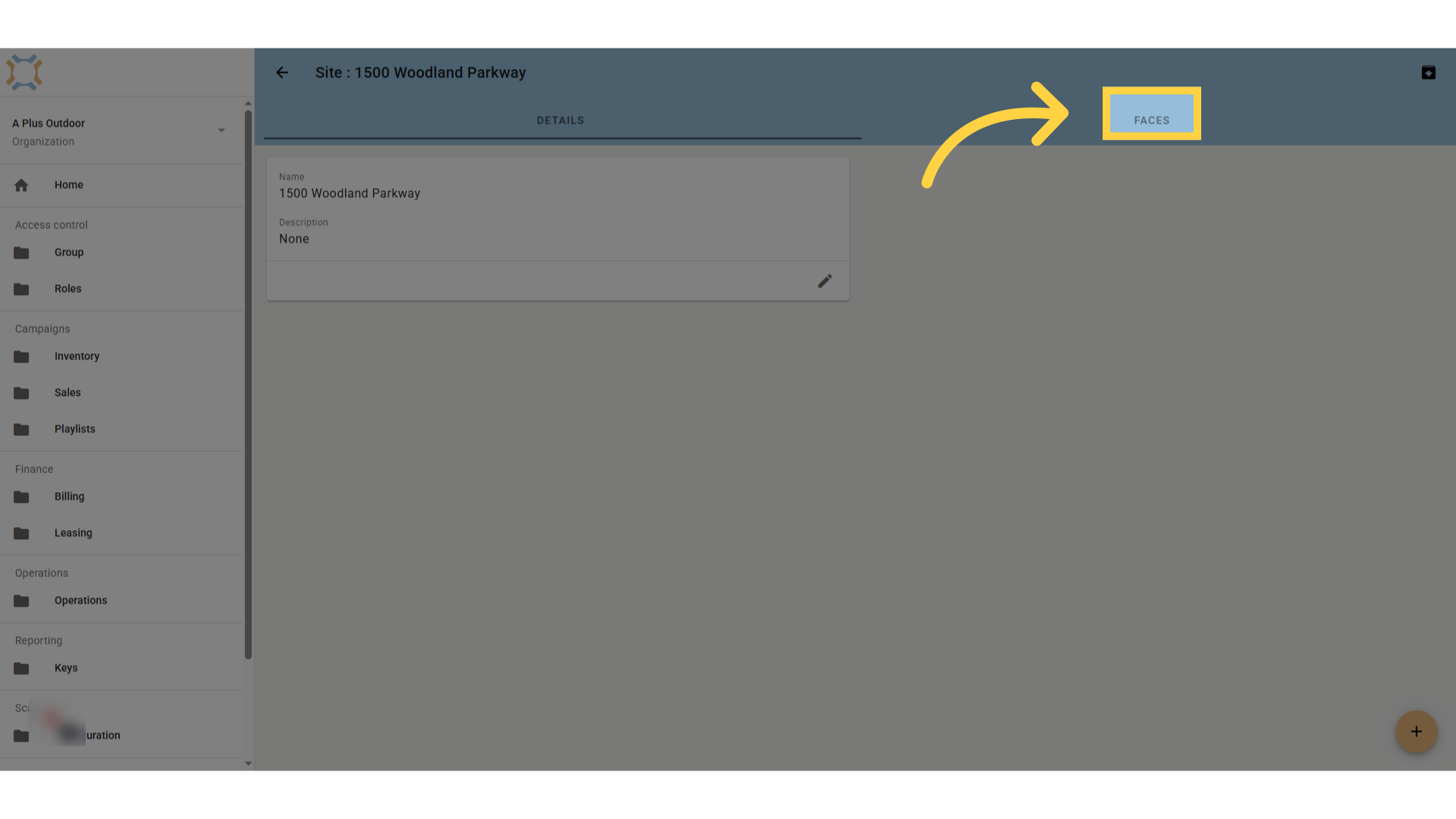
You can choose to add Faces to this Site by clicking on the Faces tab and entering a Site.
Comments
0 comments
Please sign in to leave a comment.