
This tutorial guides you through how to share P.O.P information with clients from Ad Manager Connect.
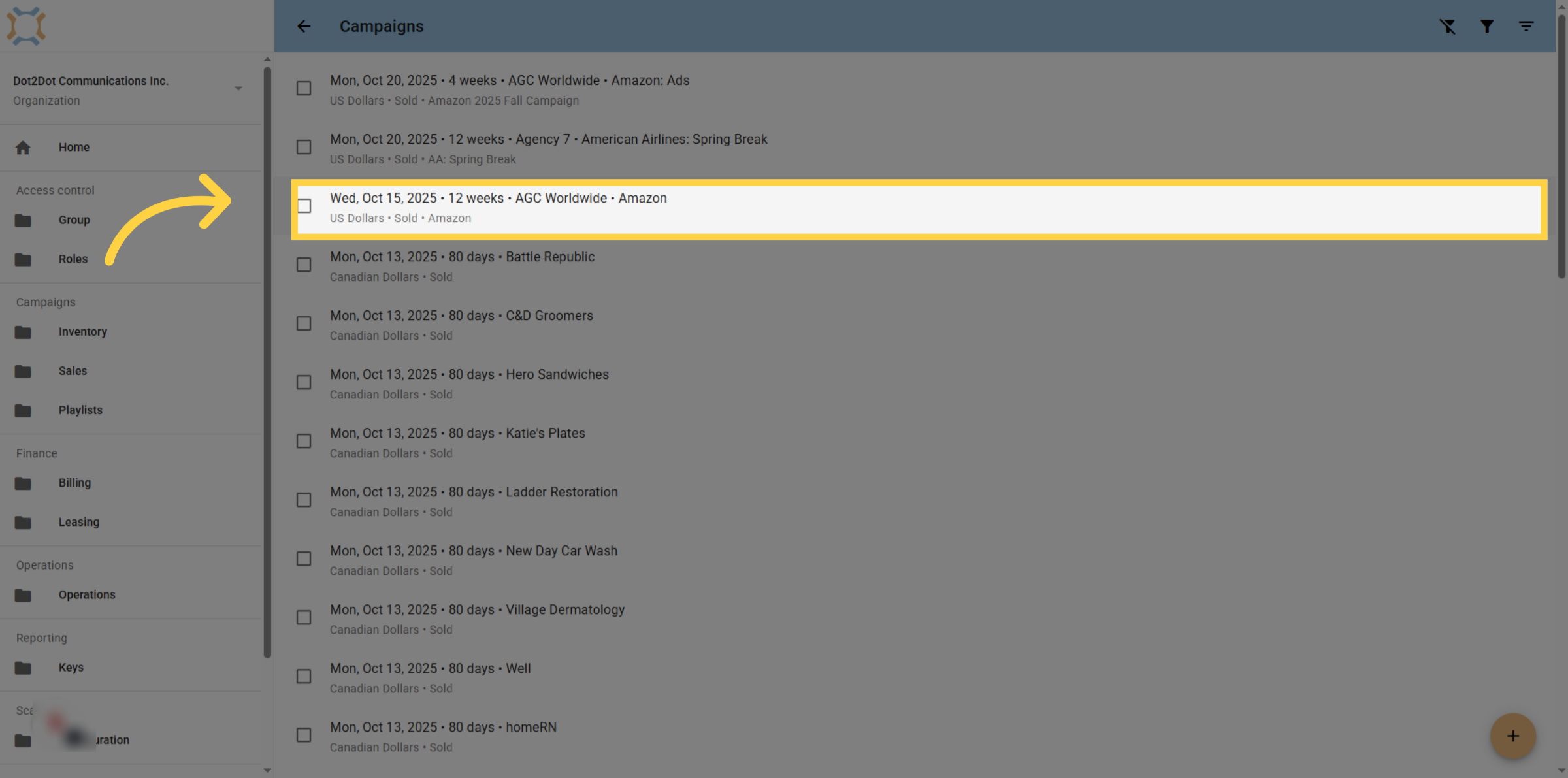
1. Select desired campaign
Click on the campaign you wish to review the delivery information for.
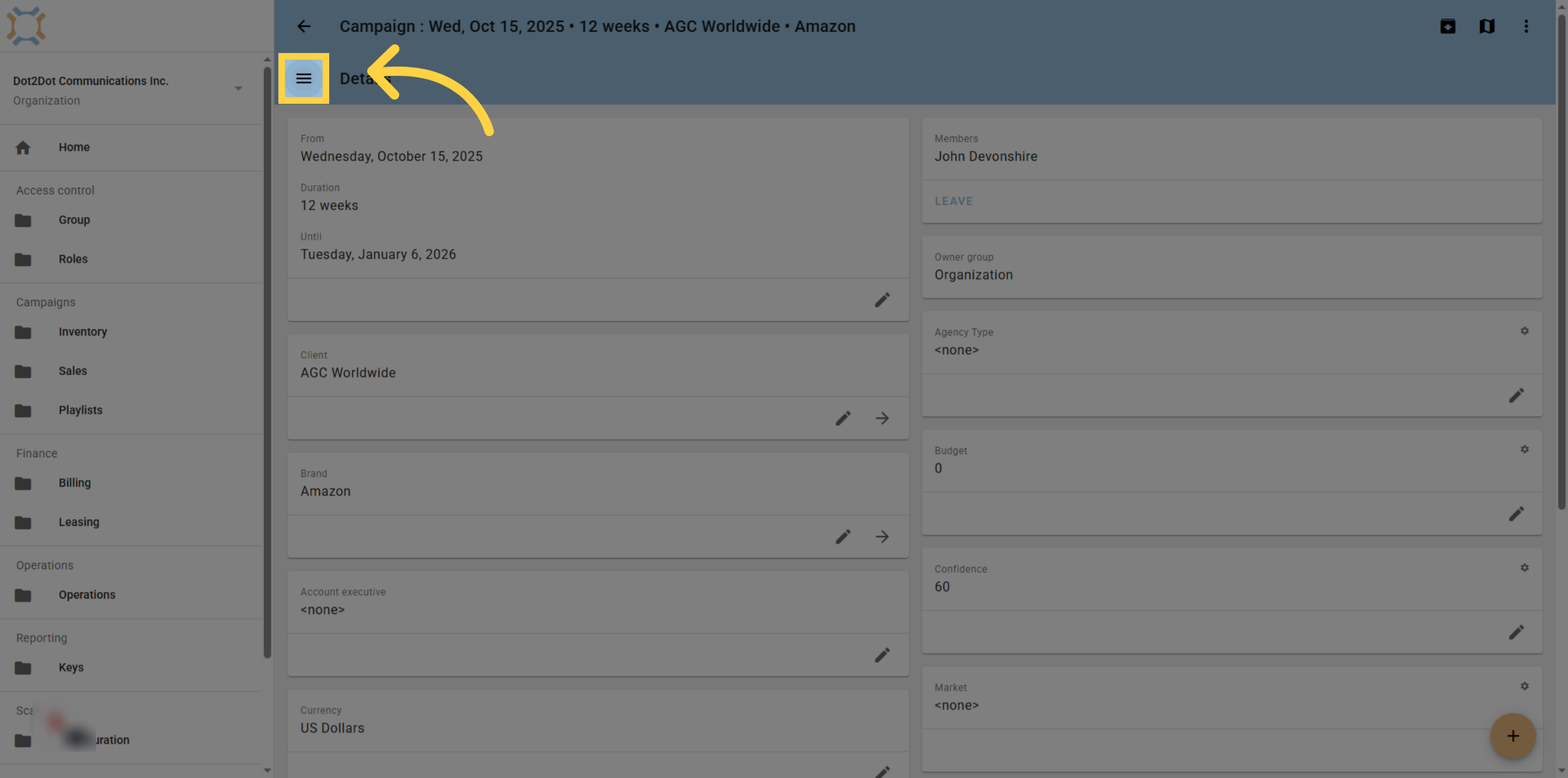
2. Open Main Menu
Click the "menu" icon to access the main navigation options.
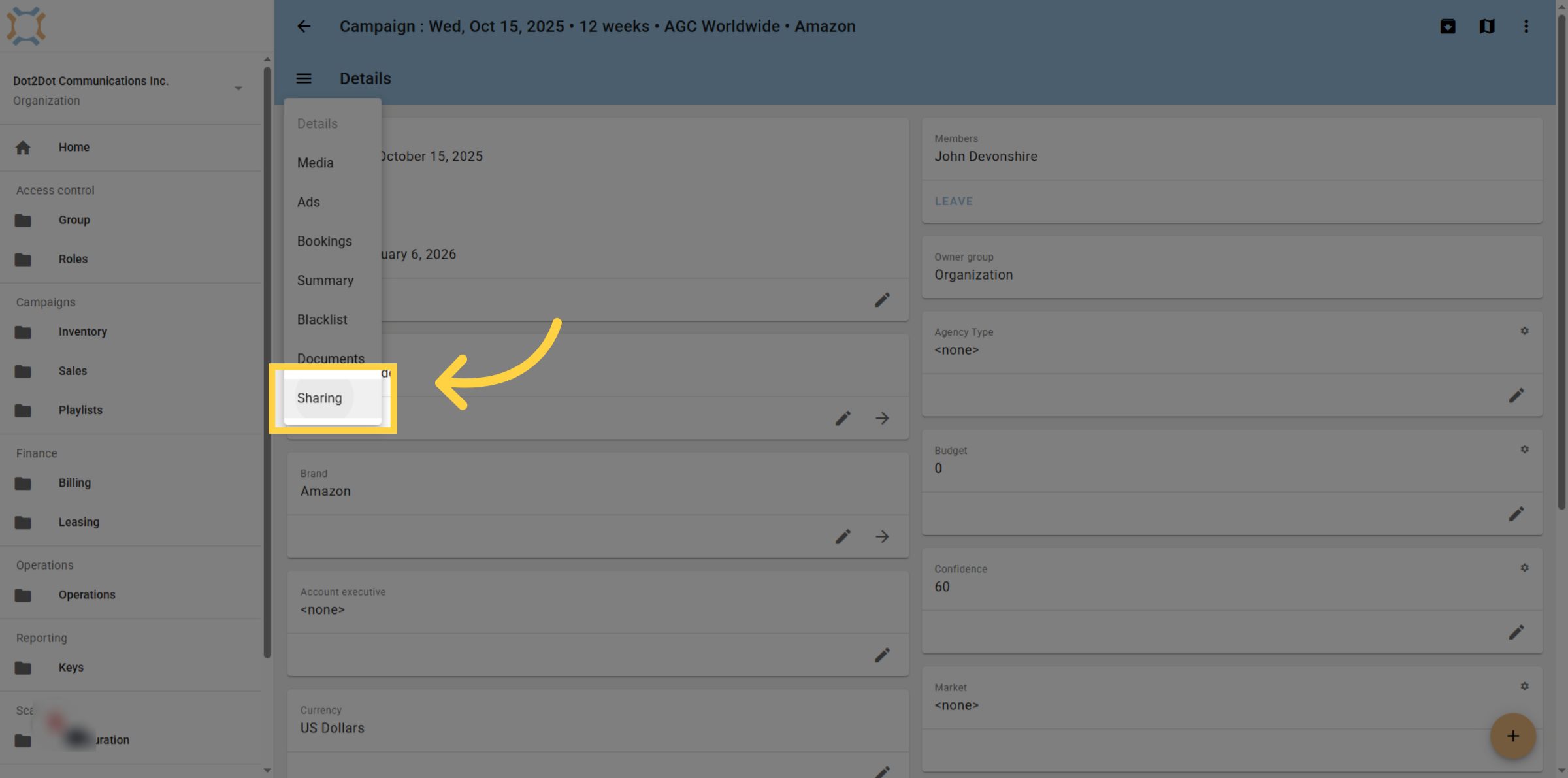
3. Access Sharing Settings
Click "Sharing" to open the P.O.P. sharing options for the campaign.
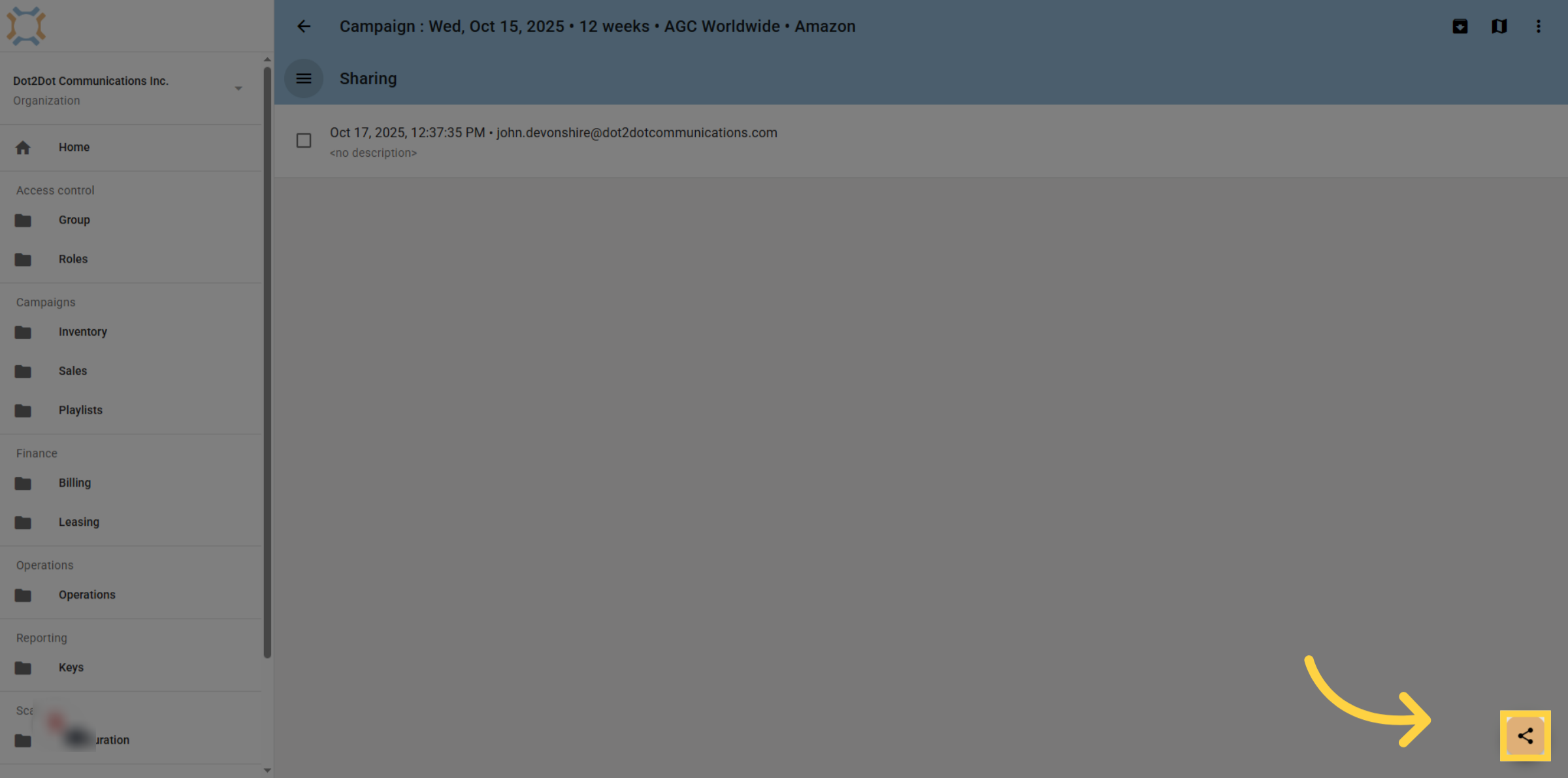
4. Click Share
To share a link to the campaign P.O.P., click the share button. Please note that you can create multiple, different links to share with various individuals if you want to control how long they have access to the information shared in the link
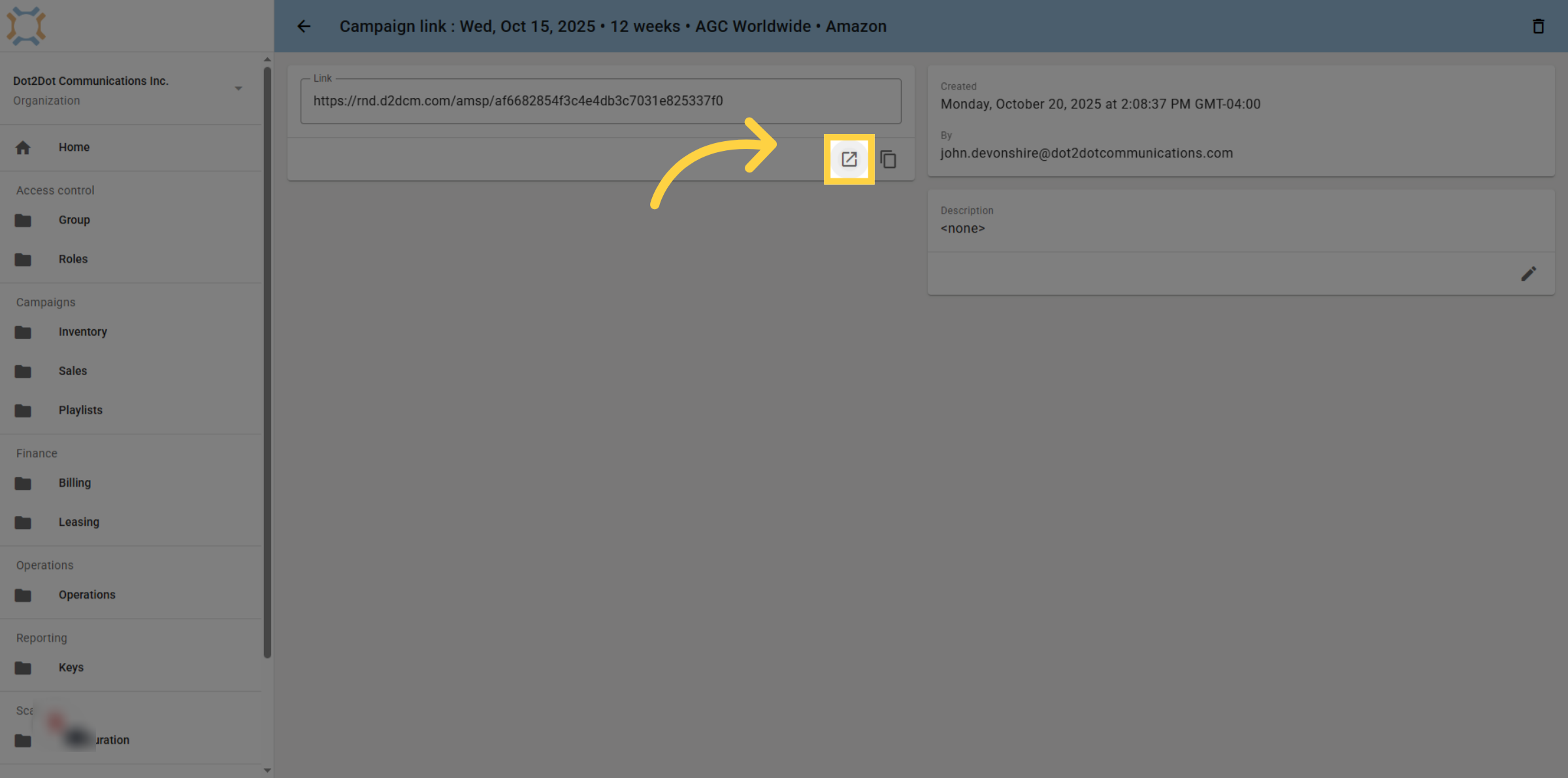
5. Open Shared Link in New Tab
A link will be automatically generated by the system. If you wish to preview the link, click "Open"
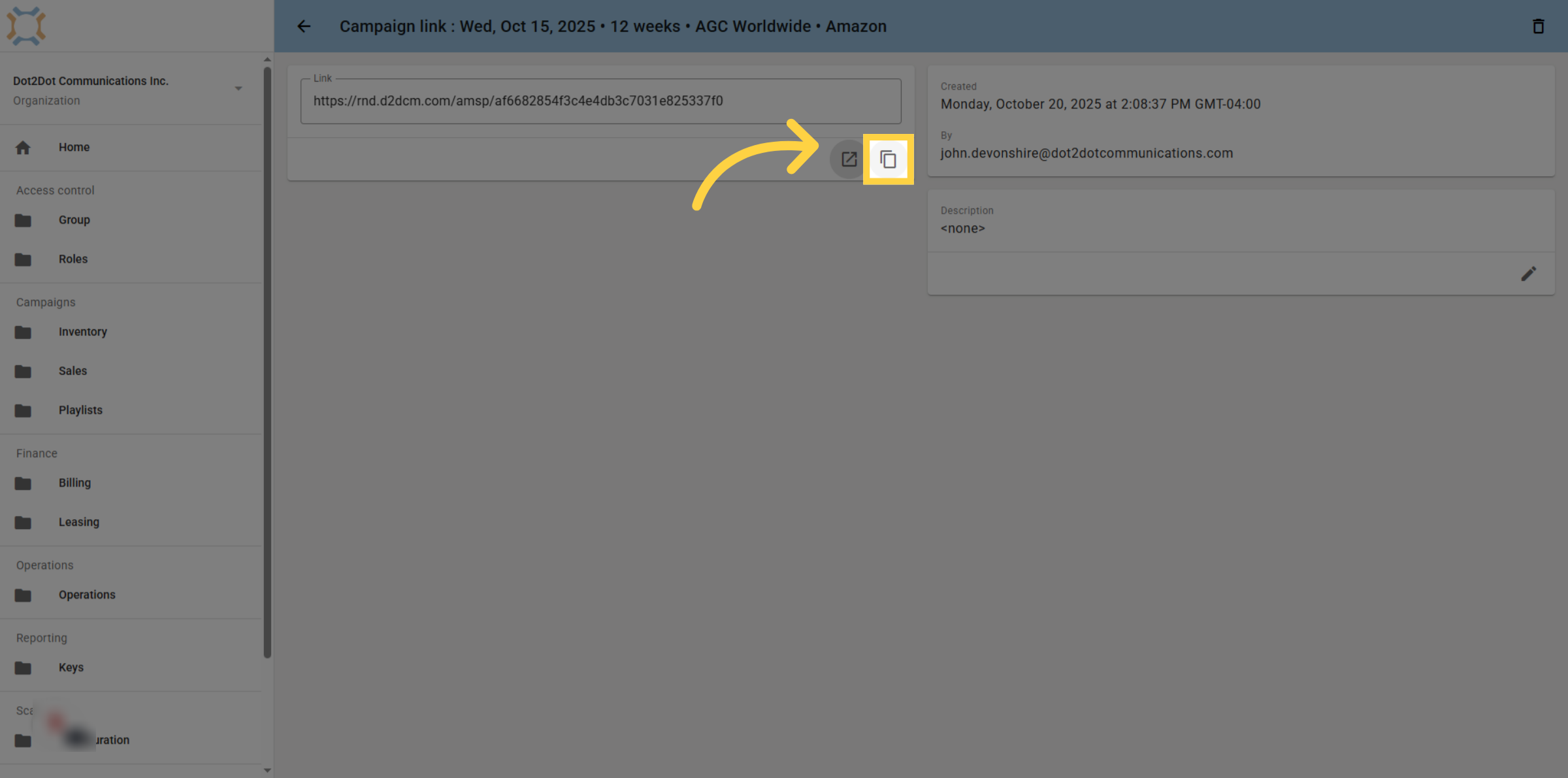
6. Copy Shared Link
To share the link, click the copy button and then send the link to the desired people.
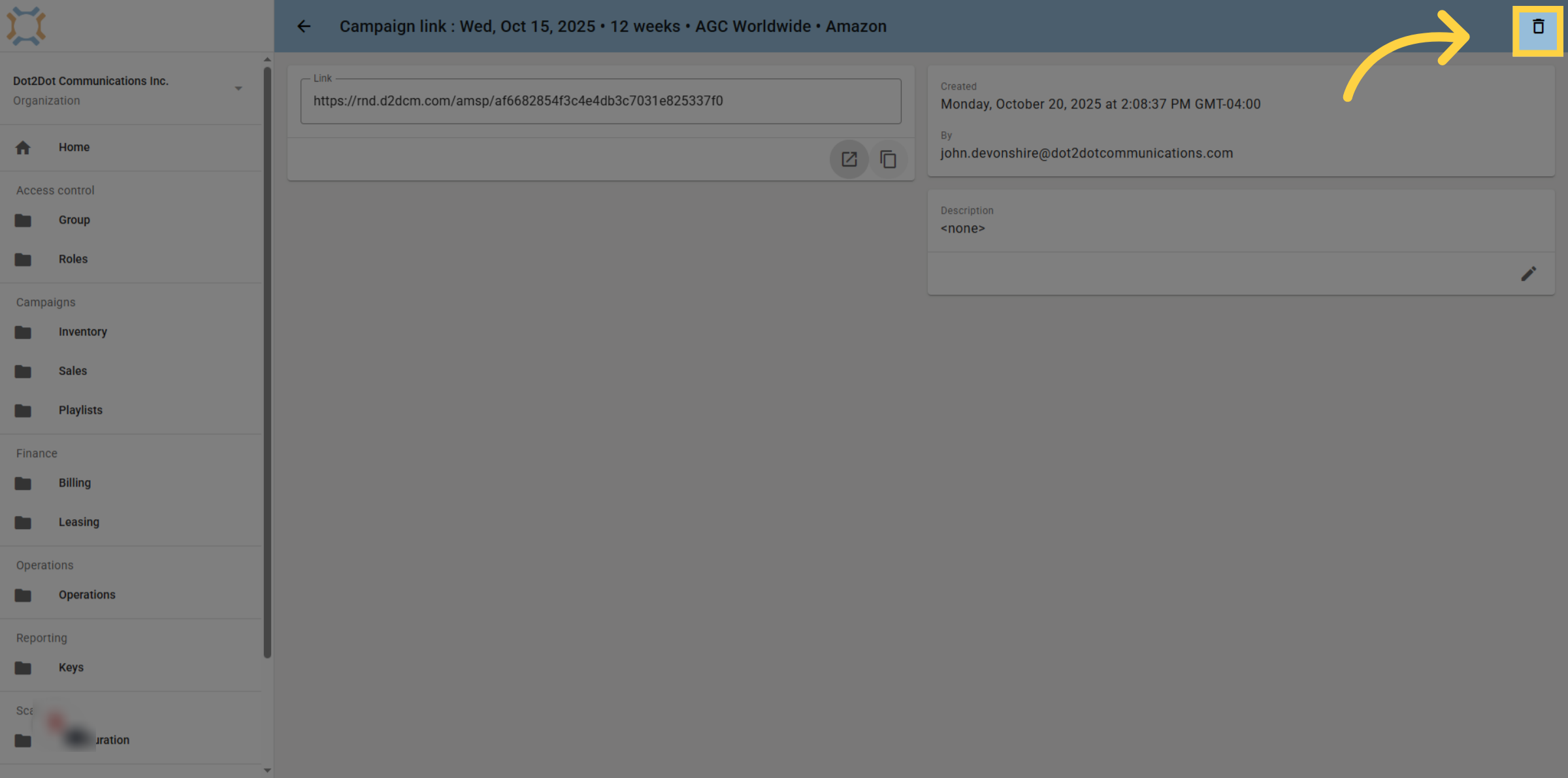
7. Revoke Shared Link
To stop the link from providing access, you can delete it at any time. This will immediately prevent any future access to the P.O.P. by that link
If you have any additional questions, please contact Dot2Dot for assistance.
Comments
0 comments
Please sign in to leave a comment.